EasyManua.ls Logo

Black+Decker BDCDE120C - User Manual

Black+Decker BDCDE120C
24 pages
Go to English
Print Icon
To Next Page IconTo Next Page
Loading...
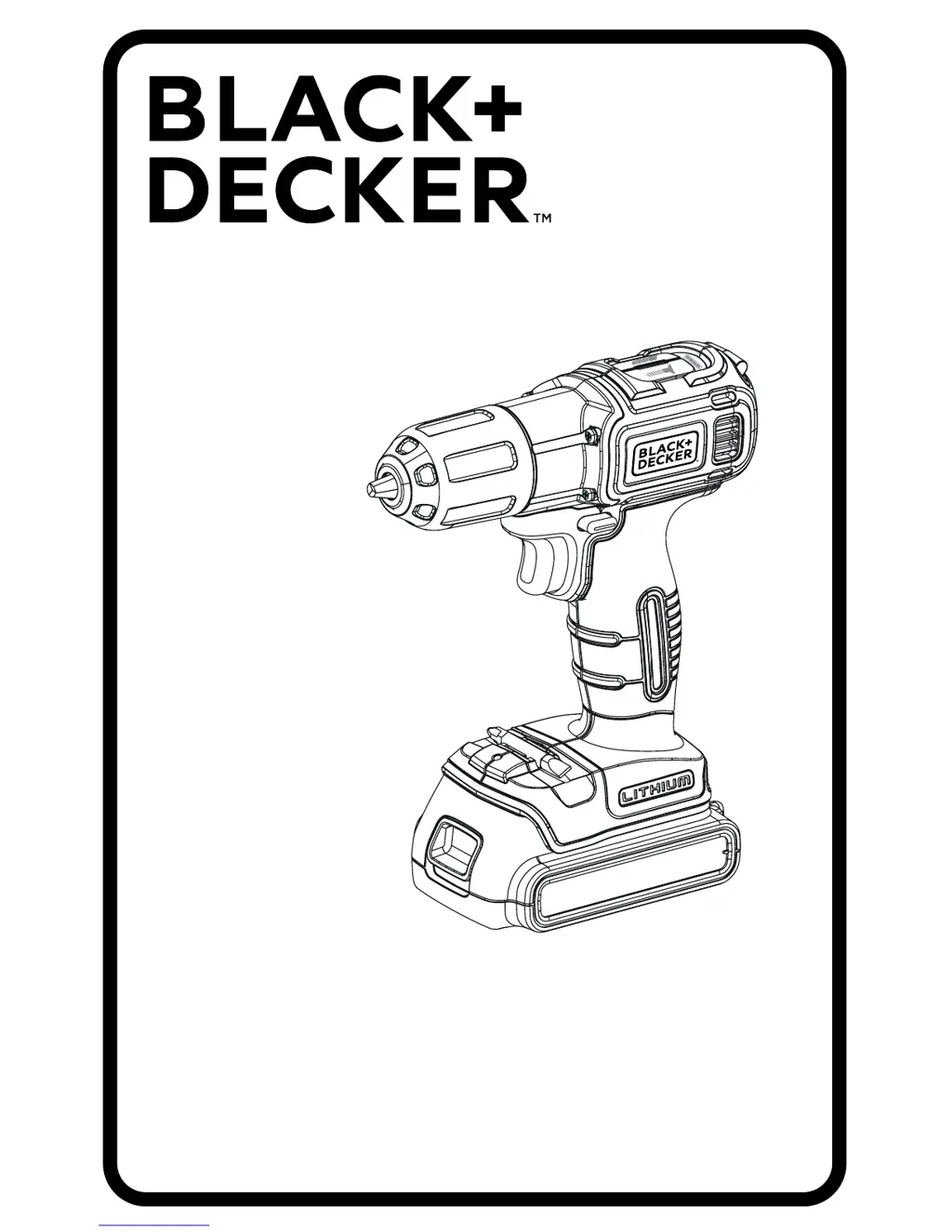
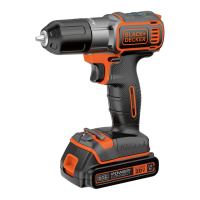
Taladro Inalámbrico Ion de Litio
Furadeira Sem Fio de Ion Litio
Lithium Ion Cordless Hammer
BDCDE120C
MANUAL DE INSTRUCCIONES
MANUAL DE INSTRUÇÕES
INSTRUCTIONS MANUAL
ADVERTENCIA: LEASE ESTE INSTRUCTIVO ANTES DE USAR EL PRODUCTO.
ADVERNCIA: LEIA ESTAS INSTRUÇÕES ANTES DE USAR O PRODUTO.
WARNING: READ INSTRUCTIONS MANUAL BEFORE USING PRODUCT.
Español 4
Português 11
English 18

Questions and Answers

  • E
    Eric LewisJul 28, 2025
    What to do if my Black+Decker BDCDE120C battery pack will not charge?
    • M
      margaretwoodJul 28, 2025
      There are several reasons why your Black+Decker Power Tool battery pack might not charge. Ensure the battery pack is fully inserted into the charger until the green LED appears. Also, check that the charger is plugged into a working outlet. For more details, refer to “Important Charging Notes”. Lastly, the surrounding air temperature may be too hot or too cold. Move the charger and battery pack to a location where the surrounding air temperature is above 40 degrees F (4.5°C) or below 105 degrees F (+40.5°C).
  • W
    williamburgessAug 4, 2025
    Why does my Black+Decker BDCDE120C Power Tool shut off abruptly?
    • J
      Jordan OsbornAug 4, 2025
      If your Black+Decker Power Tool shuts off abruptly, it could be due to two reasons. First, the battery pack may have reached its maximum thermal limit; in this case, allow the battery pack to cool down. Second, the battery might be out of charge; place it on the charger and allow it to charge. To maximize the life of the battery pack it is designed to shutoff abruptly when the charge is depleted.
  • J
    James WilliamsAug 12, 2025
    How to fix a Black+Decker BDCDE120C that will not start?
    • F
      fwoodAug 12, 2025
      If your Black+Decker Power Tool unit will not start, there are a couple of things to check. First, make sure the battery pack is installed properly. Second, ensure that the battery pack is charged according to the battery pack charging requirements.
  • M
    Melinda MoralesAug 20, 2025
    What to do if AUTOSENSE Technology doesn’t work on my Black+Decker Power Tool?
    • W
      williamsashleyAug 20, 2025
      If the AUTOSENSE Technology on your Black+Decker Power Tool isn’t working or stops prematurely, consider the following: 1. Ensure the tool is in screwdriver mode as described in “Drill / Drive Mode Select.” 2. Apply a substantial amount of pressure to the back of the tool while driving. 3. Try releasing the trigger and depressing it again to reactivate the AUTOSENSE technology.

Summary

General Safety Rules

Work Area Safety

Keep work area clean, well lit, and free from flammable substances.

Electrical Safety

Avoid electrical hazards like wet conditions and damaged cords.

Personal Safety

Stay alert, use PPE, prevent unintentional starting, and dress properly.

Power Tool Use and Care

Use correct tool, maintain it, and avoid forcing the tool.

Features Overview

Key Features

Describes the main components like variable speed, chuck, and battery.

Controls and Indicators

Details the switch, buttons, and indicators for operation.

Accessories and Lighting

Covers the chuck, bit holder, and work light.

Operating Instructions

Trigger Switch and Reversing Button

Controls tool on/off, speed, and rotation direction.

Drill;Drive Mode Select

Allows selection of drilling or driving mode.

Charging Procedure

Step-by-step guide for charging the battery pack.

Driving and Drilling Modes

Screw Driving

Instructions for driving screws, including Autosense technology.

Autosense Technology

Automatic screw depth control feature.

Drilling

Guidelines for drilling operations, including safety.

Maintenance and Specifications

Tool Maintenance

Procedures for cleaning and caring for the tool and charger.

Accessories and Disposal

Information on recommended accessories and environmental disposal.

Product Specifications

Technical details of the tool and charger.

Troubleshooting and Service

Troubleshooting Common Problems

Solutions for issues like unit not starting or battery not charging.

Service Information

Details on obtaining professional service and support.

Black+Decker BDCDE120C Specifications

General IconGeneral
TypeCordless Drill/Driver
Voltage20V
Battery TypeLithium Ion
Max Torque115 in-lbs
Speed0-650 RPM
Weight3.4 lbs
Power SourceBattery
Clutch Positions11
Chuck Size3/8 inch

Related product manuals