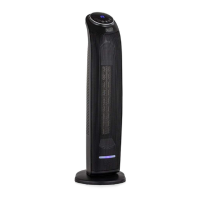
Operating your Heater
8
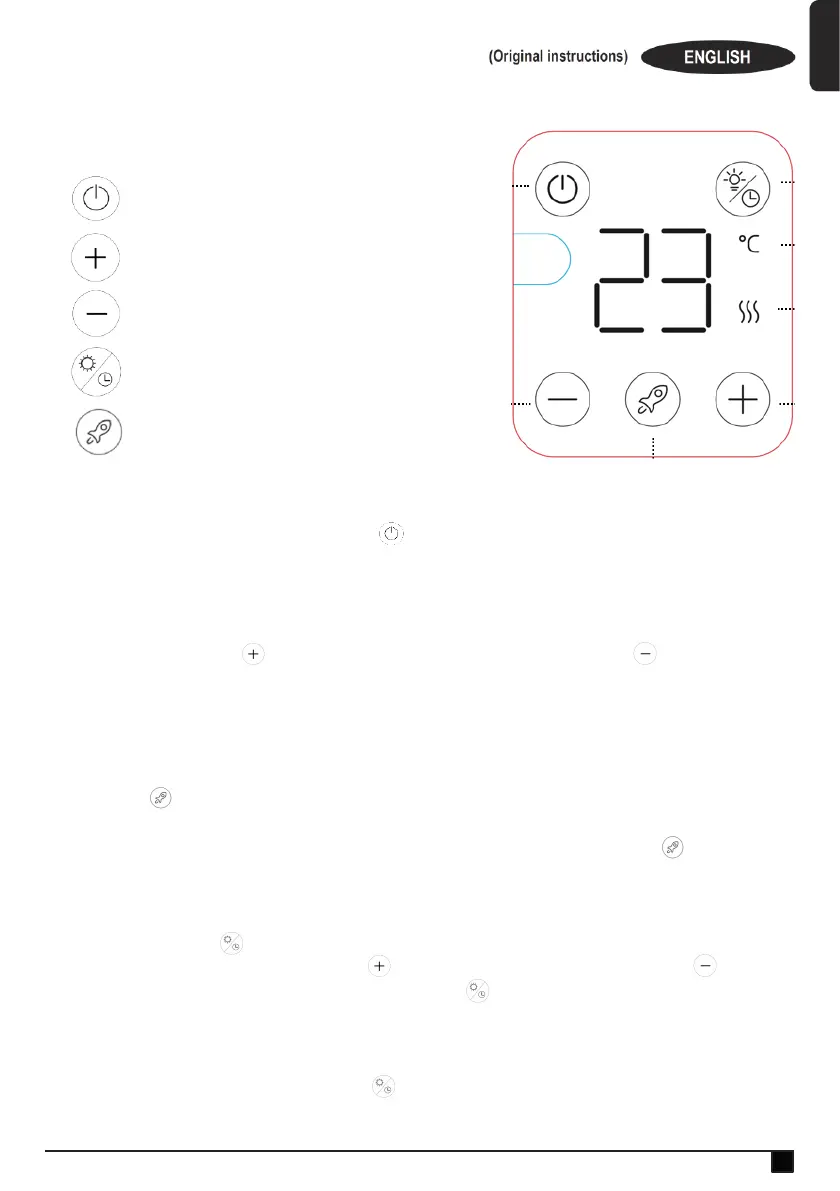
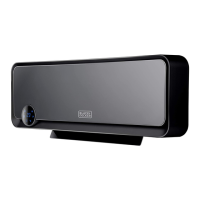
CONTROL PANEL
Power on/off
Increase Timer or Thermostat Temperature
Decrease Timer or Thermostat Temperature
Adjust Display Brightness / Timer Mode
Full Heating Mode
BASIC OPERATION
Plug in the heater and press the master on/off switch that is located underneath the display
screen. You will then here a beep and the icon on the display screen will light. Touch this icon
to turn on the heater.
ELECTRONIC THERMOSTAT
The temperature around the heater will be displayed on the front screen. To increase the
temperature touch the icon and to decrease the temperature touch the icon. When the
room temperature reaches the preset temperature, the heating function will stop automatically.
When the room temperature is lower than preset temperature, the low or high heating will turn on
automatically. The thermostat range is between 10° and 35°.
FULL HEATING MODE
Touch the icon to enter full heating mode. This means the heater will work for 12 hours at full
heating power and won’t power down once the temperature around the heater has reached your
selected thermostat temperature. After 12 hours the heater will turn off. Touch the icon again to
cancel this mode.
TIMER
Touch and hold the icon for approximately 3 seconds to activate the timer. The display will
automatically show 0 hours. Touch the icon to increase these hours and the icon to
decrease these hours. To cancel the timer, hold on the icon again. The timers range is between
1 and 24 hours.
SCREEN BRIGHTNESS
To adjust the screen brightness touch the icon. Each touch will reduce the screen’s brightness.
Touch this icon 4 times to turn the screen off. To turn the screen on again, touch this icon another
time.


 To Next Page