10
ENGLISH
(Original instructions)
• Do not charge damaged batteries.
• Under extreme conditions, battery leakage may occur.
When you notice liquid on the batteries carefully wipe
the liquid off using a cloth. Avoid skin contact.
• In case of skin or eye contact, follow the instructions
below
Warning! The battery fluid may cause personal injury or
damage to property. In case of skin contact, immediately
rinse with water. If redness, pain or irritation occurs seek
medical attention. In case of eye contact, rinse immediately
with clean water and seek medical attention.
Chargers
Your charger has been designed for a specific voltage.
Always check that the mains voltage corresponds to the
voltage on the rating plate.
Warning! Never attempt to replace the charger unit with a
regular mains plug.
• Use your BLACK+DECKER charger only to charge the
battery in the appliance with which it was supplied.
Other batteries could burst, causing personal injury and
damage.
• Never attempt to charge nonrechargeable batteries.
• If the supply cord is damaged, it must be replaced by the
manufacturer or an authorised BLACK+DECKER
Service Centre in order to avoid a hazard.
• Do not expose the charger to water.
• Do not open the charger.
• Do not probe the charger.
• The appliance/battery must be placed in a well
ventilated area when charging.
Electrical safety
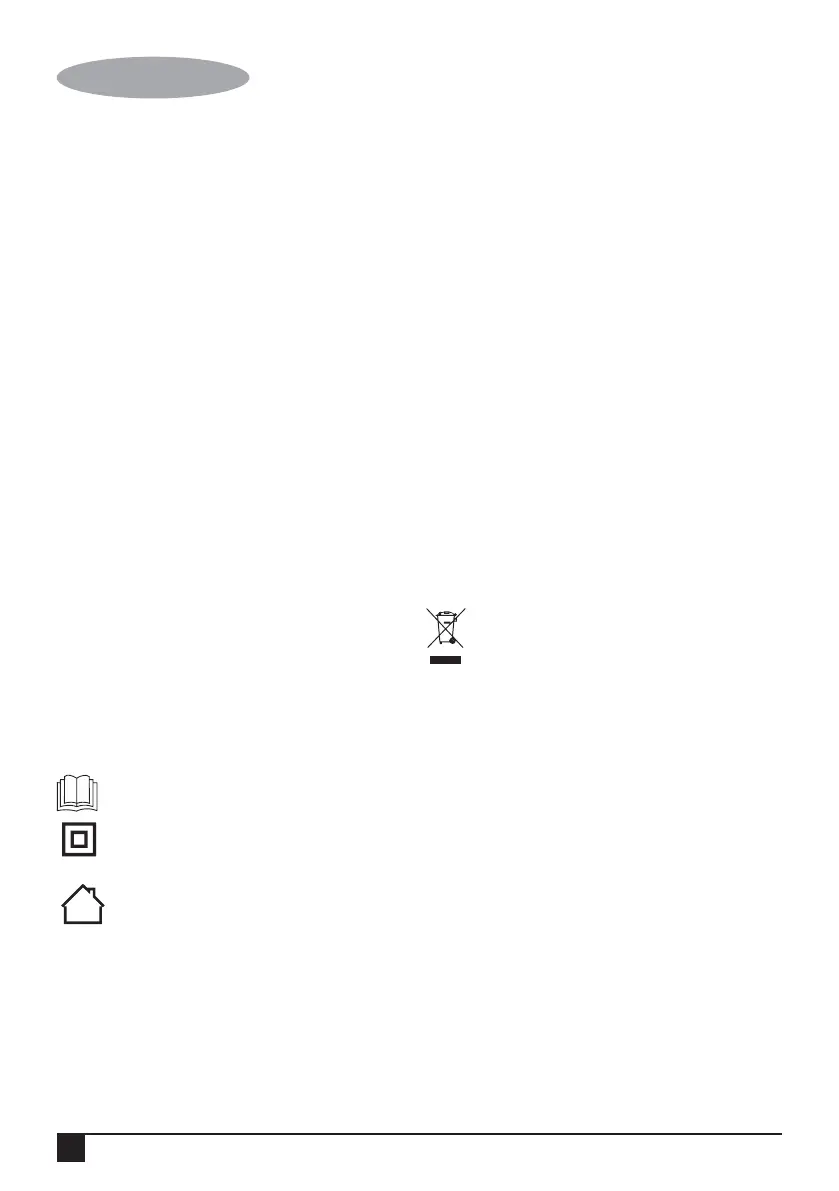
Symbols on the charger
Read all of this manual carefully before using
the appliance.
This tool is double insulated; therefore no
earth wire is required. Always check that the
power supply corresponds to the voltage on
the rating plate.
The charging base is intended for indoor use
only.
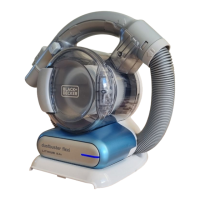
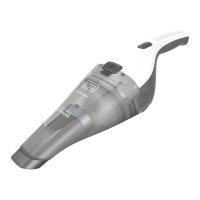
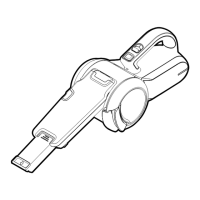
Features
This tool includes some or all of the following features.
1. On/off switch
2. Nozzle rotate button
3. Charging indicator
4. Nozzle
5. Bowl release button
6. Crevice tool
7. Brush tool
8. Dust bowl door
9. Dust bowl door release
10. Removable dust bowl
11. Charging base
Wall Mounting
The product can be attached to a wall to provide a
convenient storage and charging point for the appliance.
When fixing to a wall, make sure that the fixing method is
suitable for the wall type and is appropriate to the weight of
the appliance.
• Mark the location of the screw holes (within reach of an
electrical outlet for chargeing the vac while it is on the
wall bracket).
Replacing the filters
The filters should be replaced every 6 to 9 months and
whenever worn or damaged.
Replacement filters are available from your
BLACK+DECKER dealer (cat. no. VF90):
Battery
If you want to dispose of the product yourself, the
battery must be removed as described below and
disposed of in accordance with local regulations.
• Run the battery down completely.
• Remove the dust bowl.
• Remove the two screws and lift off the housing.
• Detach all lead connections from the battery pack.
• Remove battery pack and place in suitable packaging to
ensure that the terminals cannot be short-circuited.
• Take the battery to your service agent or to a local
recycling station.
Once removed, the battery cannot be refitted.
Maintenance
Your BLACK+DECKER cordless appliance has been
designed to operate over a long period of time with a
minimum of maintenance. Continuous satisfactory operation
depends upon proper tool care and regular cleaning.
Warning! Before performing any maintenance on cordless
appliances:
• Run the battery down completely if it is integral and then
switch off.
• Unplug the charger before cleaning it. Your charger does
not require any maintenance apart from regular cleaning.





 To Next Page