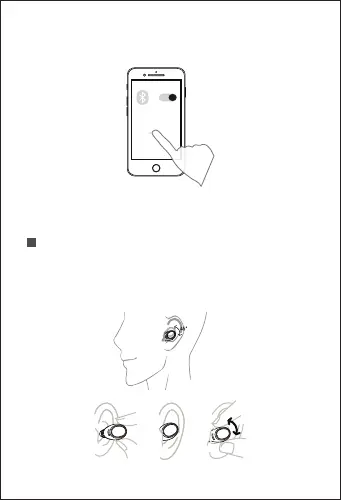
2. Turn on the Bluetooth on the device, select
"AirBuds 1", click and connect.
The voice "Connected" represents successful pairing.
Note: The above is the first pairing method. In subsequent
use, the earphones will automatically turn on and connect
after being taken out from the earphone box.
Wearing Method
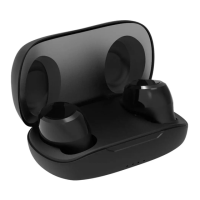
Two earphones are transmitted synchronously via
Bluetooth, or you can also use one earphone. Insert the
two earphones into the charging case, and then close
the cover, it will be disconnected and turned off.
AirBuds 1
2



 To Next Page