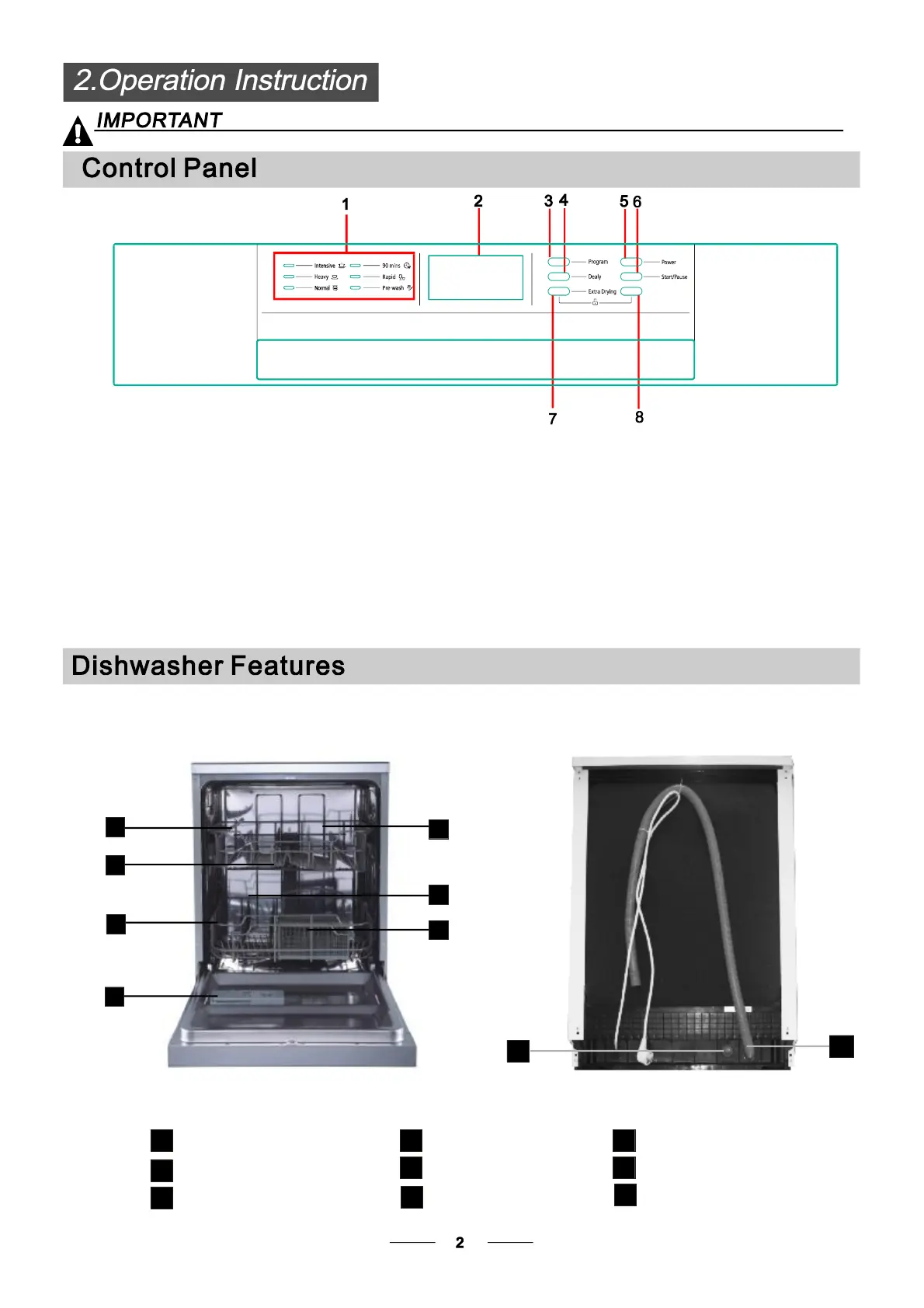
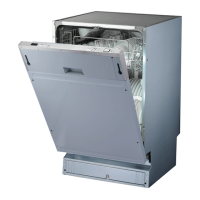
BackView
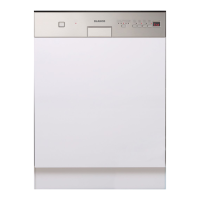
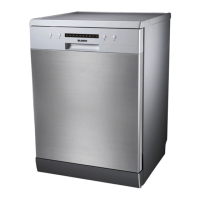
Frontview
beforeusingitforthefirsttime.
Togetthebestperformancefromyourdishwasher,readalloperatinginstructions
6.Start/Pausebutton:Tostarttheselected
washingprogramorpausethewashingprogram
whenthemachineisworking.
5.PowerButton:Toturnon/offthepowersupply.
8.Childlockbutton:Pressthetwobuttons
simultaneouslytolocktheprogram.
4.DelayButton:ToPressthebuttontodelay.
3.ProgramButton:ToPressthebuttontoselect
appropriateProgram.
1.Programindicators:Toshowwhich
programyouhavechose;
2.Displayscreen:Toshowtheremindingtime
andthestate(runningstate,delaytimeetc)
7.ExtradryButton:Pressthebuttontoselectthe
Extradryfunction.
8
Dispenser
CupShelf
Sprayarms
4
5
6
Filterassembly
Inletpipeconnector
Drainpipe
7
8
9
LowerBasket
Innerpipe
UpperBasket
1
3
2
9
1
2
3
4
5
6
7



 To Next Page