11
3. Description of the controls
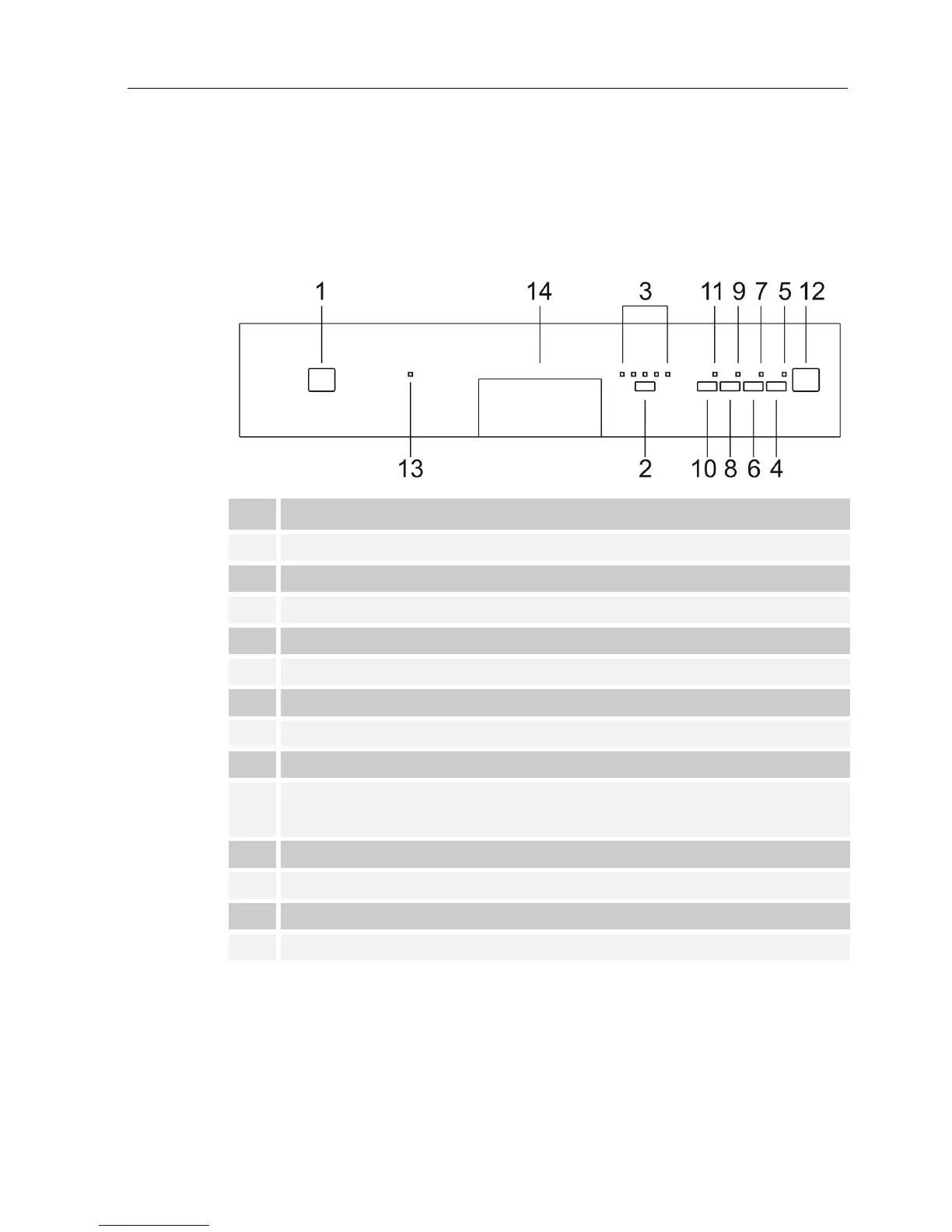
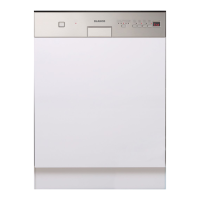
3.1 Front panel
All the dishwasher control are grouped on the front panel. Programming
and option selection are only possible with the door closed.
1 ON/OFF BUTTON
2 SELECTION PROGRAM BUTTON
3 PROGRAM PHASE INDICATOR LIGHTS
4 START/PAUSE BUTTON
5 PROGRAM STARTED/STOP INDICATOR LIGHT (*)
6 PROGRAM DELAY BUTTON
7 PROGRAM DELAY LIGHT
8 AUTOMATIC OPENING DOOR BUTTON
9 AUTOMATIC OPENING DOOR LIGHT
10
ADVANCE PROGRAM BUTTON
see point 3.2 on the next pages
11 ADVANCE PROGRAM LIGHT
12 3-FIGURE DISPLAY (remaining time, program delay, alarms)
13 NO RINSE AID WARNING LIGHT
14
DOOR HANDLE
(*) Flashes while the program is in progress, stops flashing and
remains on at the end of the program, or if the program is
interrupted (intentionally or due to a malfunction).


 To Next Page