EQM 100 / EQM 101 / EQM 102 Edge-QAM
Rev. B www.blankom-digital.de Seite 7 (14)
Configuration with Web Interface
Each IP interface of the EQM family has its own web server. The configuration is done with a standard PC
and a web browser. The default IP address for configuration is 192.168.200.20. Please keep in mind that
you have to configure e.g. for the EQM 100 with 3 IP interfaces also three components.
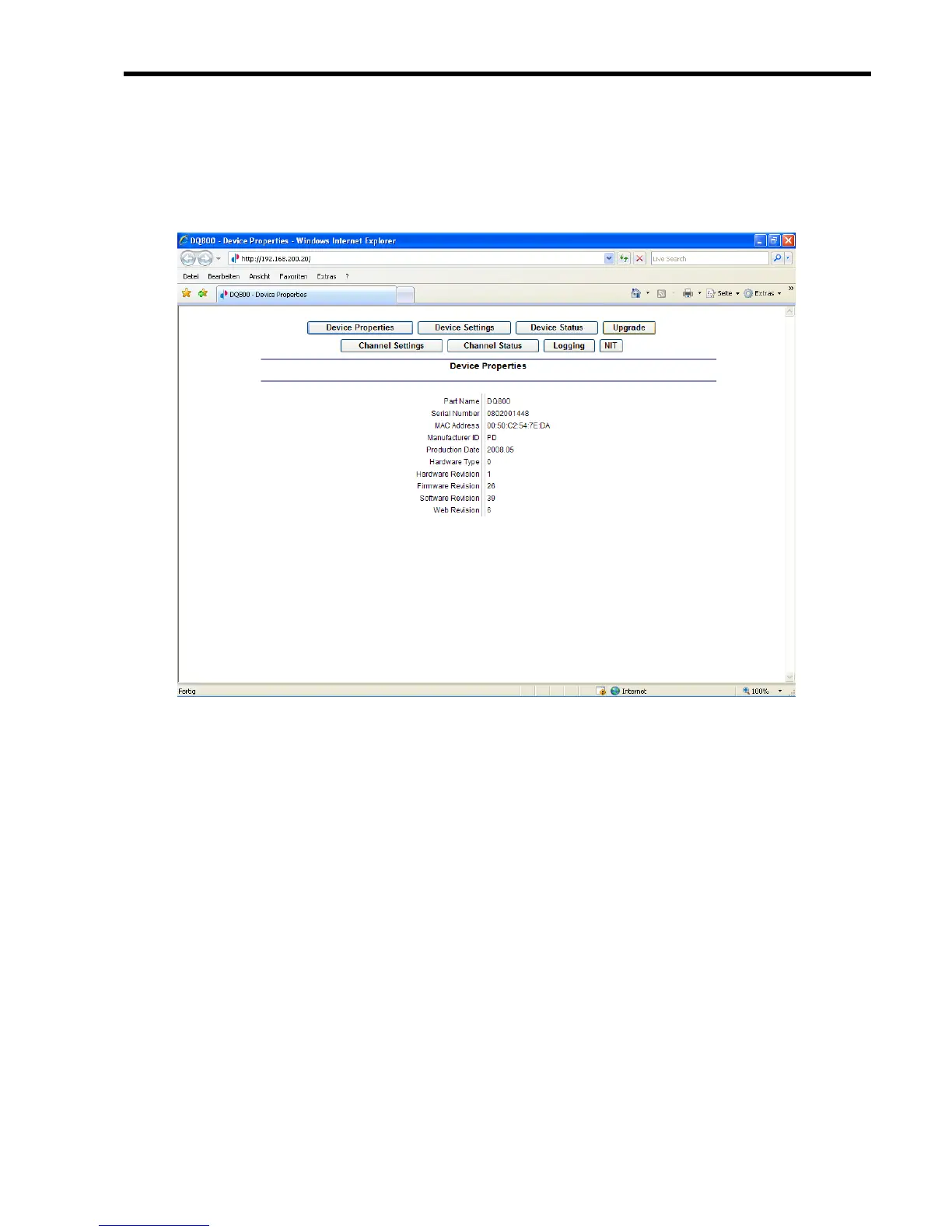
If you connect your browser with the IP-address 192.168.200.20 the following menu appears:
Fig. 4: Device Properties
The Device Properties menu gives an overview over hard- and software versions.



 To Next Page