EQM 100 / EQM 101 / EQM 102 Edge-QAM
Rev. B www.blankom-digital.de Seite 9 (14)
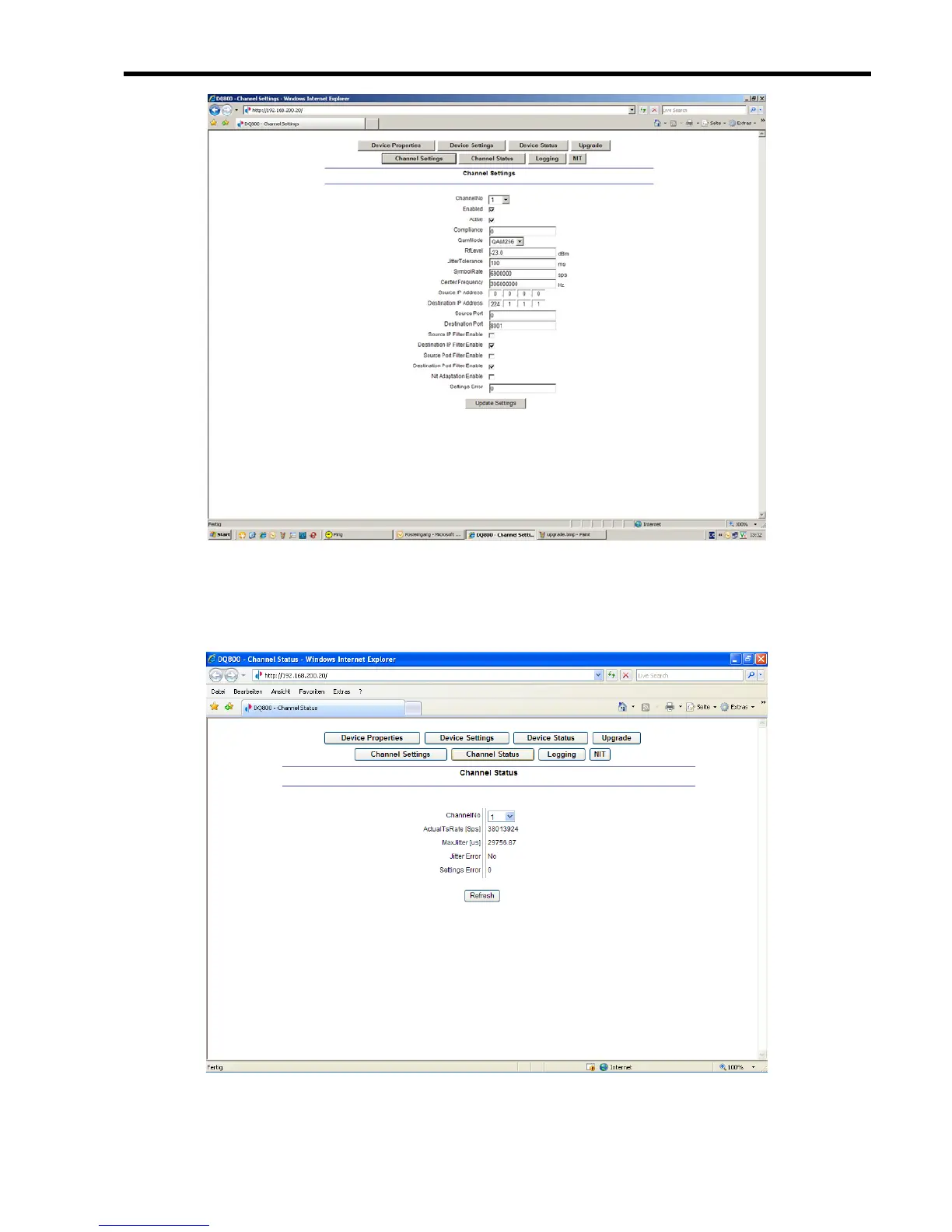
Fig. 7: Channel Settings
The Channel Settings menu allows the configuration of the QAM channels. QAM mode, symbol rate, center
frequency and RF level is valid for a group of 4 QAM channels. Although grouped together each channel can
be switched off individually. “Setting Error” indicates an Error Code explained in Capabilities List (Fig.6)
Fig. 8: Channel Status
The Channel Status menu gives information about status parameters of the different channels like data rate.



 To Next Page