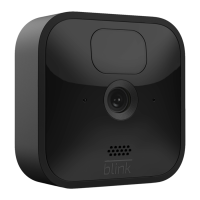
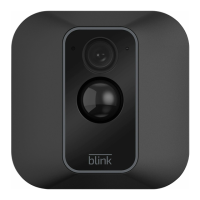
In your app, select “Add a Blink Device” and choose
your camera.
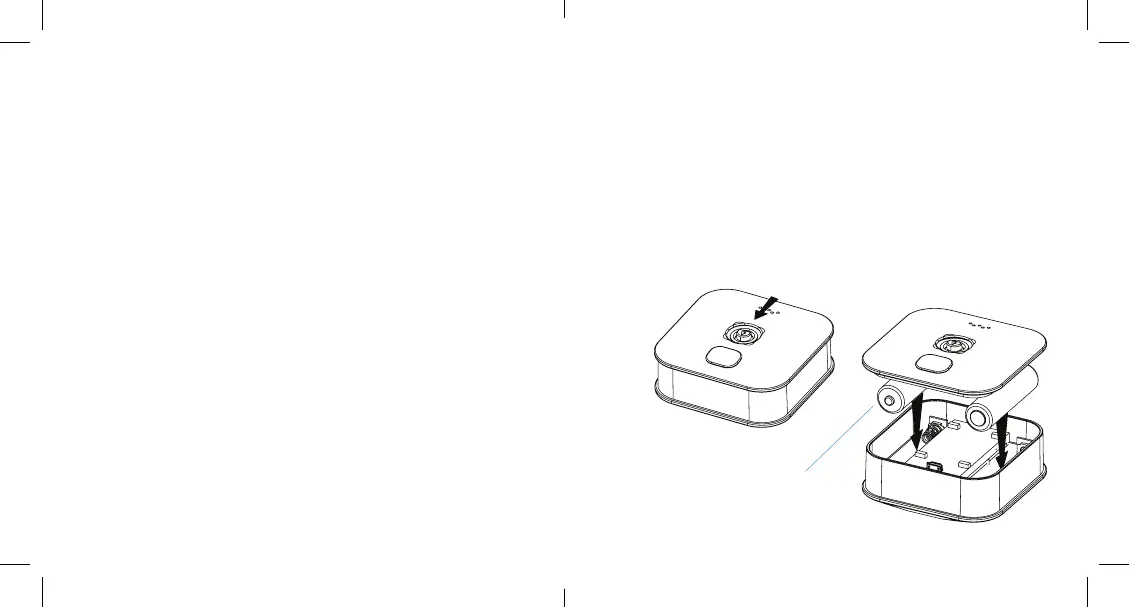
Remove the camera back cover by sliding the latch in
the center of the back downward and simultaneously
pull o back cover.
Insert included 2 AA 1.5V non-rechargeable lithium
metal batteries.
Follow the in-app instructions to complete setup.
Step 3: Add Your Camera(s)
a)
b)
c)
d)
AA 1.5V lithium batteries
Download and launch the Blink Home Monitor App
on your phone or tablet through the Apple App Store,
Google Play Store, or Amazon App Store.
Create a new Blink account.
In your app, select “Add a System”.
Follow the in-app instructions to complete
sync module setup.
Step 1: Download the Blink Home Monitor App
Step 2: Connect Your Sync Module
a)
b)
a)
b)
Page
|
3 Page
|
4
Blink User Guide Tuscon Camera-US version En 3_7_19.indd 3-4 3/7/19 4:35 PM


 To Next Page