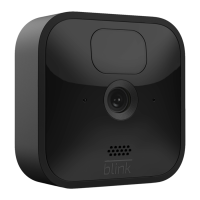
If you’re adding a new system, go to Step 1 on page 3 for
instructions on how to add your system.
If you’re adding a camera to an existing system, go to
step 3 on page 4 for instructions on how to add your
camera(s).
Before you begin, please make sure you have the
following minimum requirements:
Smartphone or tablet running iOS 10.3 or later,
or Android 5.0 or later
Home WiFi Network (2.4GHz only)
Internet access with upload speed of at least
2 Mbps
•
•
•
How to get started:
•
•
•
Thank you for purchasing the
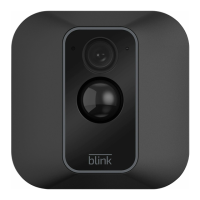
Blink XT2!
You can install the Blink XT2 in three easy steps:
To install your camera or system, you can:
Download the Blink Home Monitor App
Connect your sync module
Add your camera(s)
Follow the in-app instructions as directed.
Follow the steps listed in this guide.
Visit support.blinkforhome.com for our in-depth setup
guide and troubleshooting information.
1.
2.
3.
a)
b)
c)
Page
|
1 Page
|
2
Blink User Guide Tuscon Camera-US version En 3_7_19.indd 1-2 3/7/19 4:35 PM


 To Next Page