10.6 Set transmission channel
◼ Each lifting unit can transmit on 36 different frequencies.
◼ If there are several lifting systems in a hall, each
system must be set to its own transmission frequency.
◼ All lifting units of a system must in turn be set to the
same transmission frequency.
◼ If another radio system transmits on the same
frequency, faults may occur (error message CL or E1). Here you have to
change the transmitting channel.
The transmission channels are assigned the following frequencies
Set transmission channel
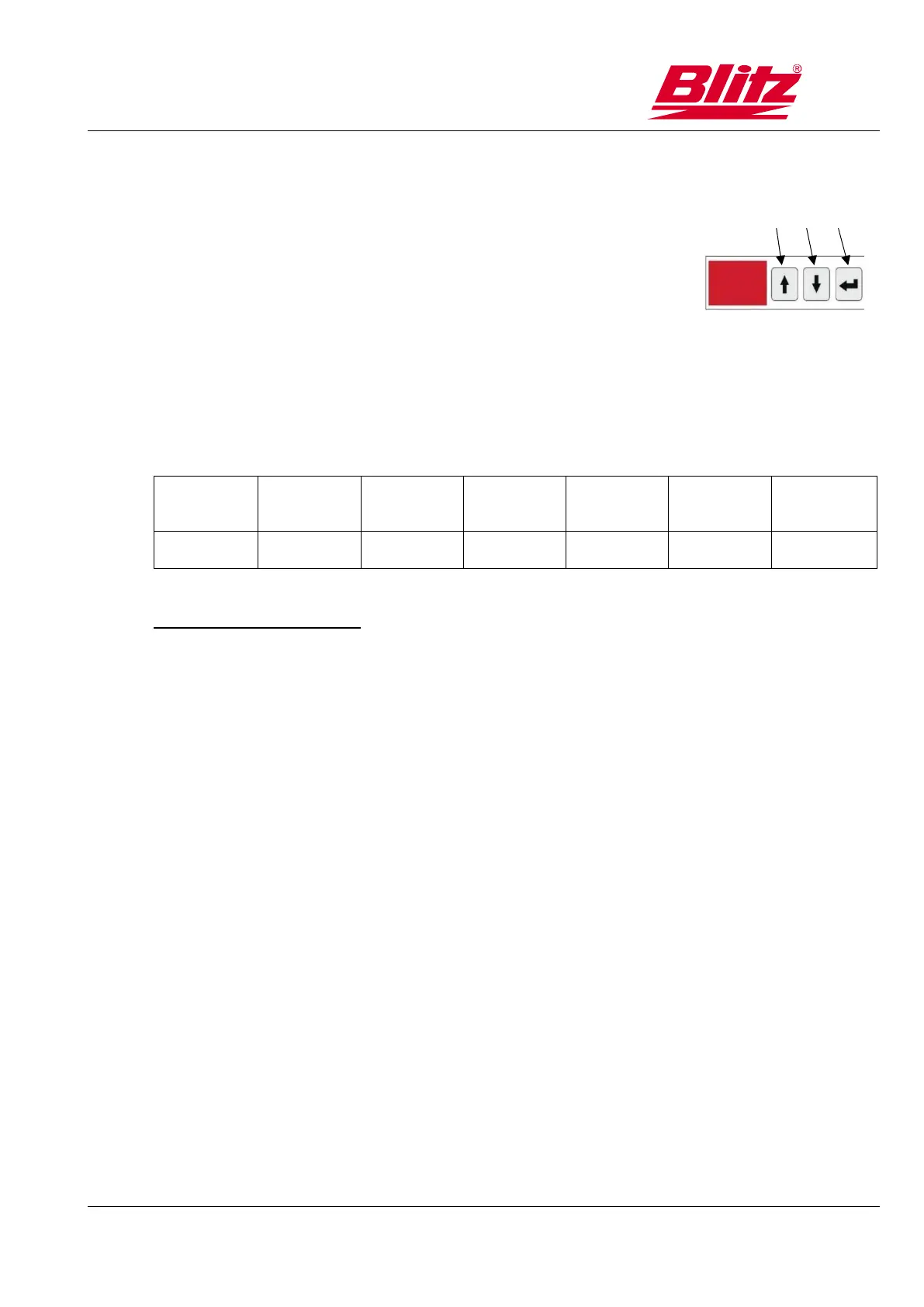
1. Activate change mode with key 4.
2. Use buttons 2 and 3 to select a new transmission channel.
3. Confirm with key 4.
In single mode, the transmission channel is shown in the display.



 To Next Page