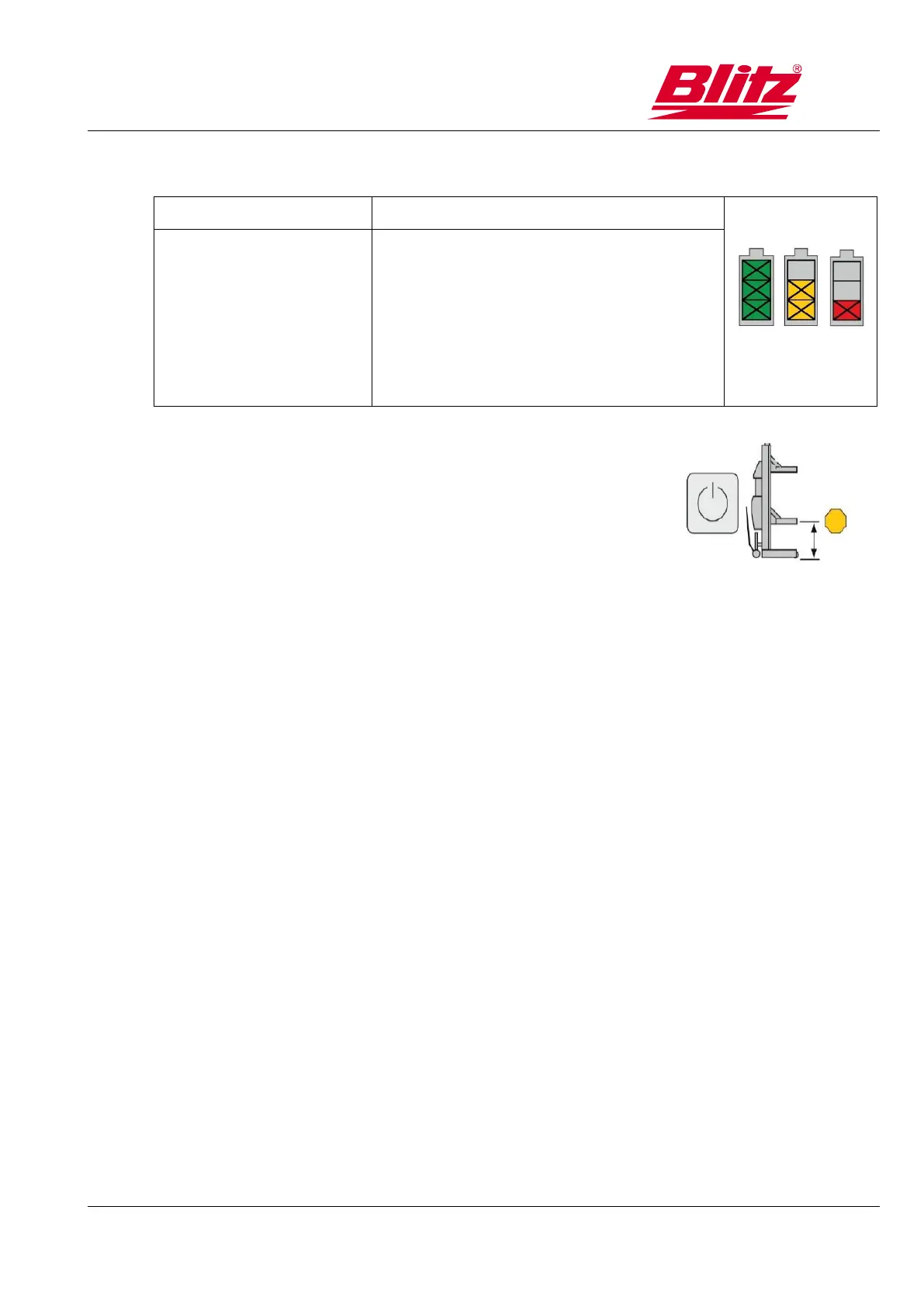
10.2.2 Battery charge indicator
Batteries are fully charged.
Batteries are partially discharged.
(Battery has to be charged →10.9)
Batteries are almost completely
discharged. (Do not conduct any lifting,
as this will damage the battery,
lowering is still possible).
10.2.3 Display height limit
Yellow: a limit is set.
10.3 Operating modes
10.3.1 Individual operation
The control commands always apply to the lifting unit on which the control buttons are
pressed. This operating mode is active after switching on the power supply.
10.3.2 Set-up mode
The set-up of the lifting units takes place in individual operation. The control commands always apply
to the individual lifting unit. The wheel is raised slightly, and then the lift unit is assigned a position on
the control panel with key [10]. The lifting unit is thus registered for group operation. This procedure
should be repeated for all lifting units.
10.3.3 Group holding
Group holding is used to lift a vehicle with several lifting units. It is activated by pressing the
key [3]. In this operating mode, the control commands apply to all lifting units in the group.
The motion commands can come from any group lifting unit
10.4 Before use
Before each use, the batteries of all lifting units must be charged. (→10.9)



 To Next Page