EasyManua.ls Logo

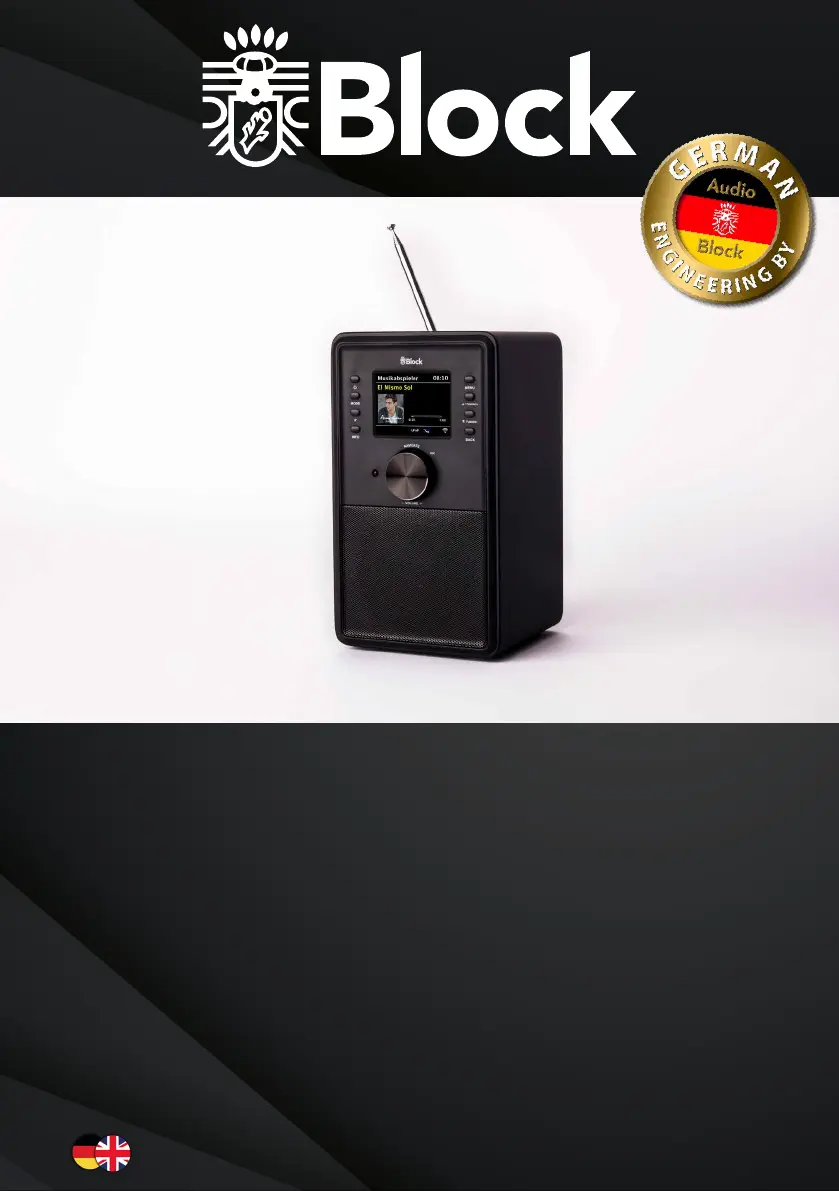
Block CR-10 - User Manual

Block CR-10
32 pages
Go to English
Print Icon
To Next Page IconTo Next Page
Loading...
2018
CR-10
Bedienungsanleitung | Manual

Questions and Answers

Summary

Safety Instructions

Handling Batteries

Guidelines for safe battery handling and storage to prevent damage and injury.

Safe Positioning

Guidelines for placing the device safely to avoid hazards and ensure proper ventilation.

Secure Connection

Instructions for safely connecting the device to a power outlet and managing the power cable.

Safe Use

Important precautions for operating the device safely and avoiding electric shock.

Operating Elements on the Unit

Unit Controls and Display

Detailed description of buttons, knobs, and the display on the device.

Device Connections

Physical Ports and Interfaces

Overview of all input and output connectors on the device.

Remote Control Overview

Remote Control Buttons and Functions

Explanation of all buttons and their functions on the remote control.

Before Operating

Prerequisites for Operation

Essential requirements before using the internet radio and smart phone app.

Setting Up the Device

Initial Device Setup

Steps for connecting the antenna and power supply for initial setup.

First Operating and Installation

Initial Setup Wizard

Step-by-step guide for the initial setup wizard and network connection.

Manual WLAN Installation

Manual Network Configuration

Guide for manually configuring the WLAN connection if the wizard fails.

Sound Settings

Volume and Equalizer Adjustment

How to adjust volume and fine-tune sound with equalizer presets.

FM Radio Operation

FM Radio First Setup

Instructions for the initial setup and station search for FM radio.

Daily FM Radio Use

How to operate the FM radio, recall stations, and use RDS features.

DAB+ Radio Operation

DAB+ Radio First Setup

Guide for the initial search and saving of DAB+ stations.

Daily DAB+ Radio Use

How to access stored stations and view digital text information.

Internet Radio

Internet Radio Daily Operation

How to select stations, save favourites, and view program information.

Manage Stations via Computer

Instructions for managing internet radio stations using a web interface.

Music Player (DLNA;USB)

DLNA and USB Music Playback

How to play music from network media servers and USB drives.

Music Streaming

Streaming from Various Devices

Guide to streaming music from Apple, Windows, and mobile devices.

Streaming Services and Spotify Connect

Spotify Connect Setup

Instructions for connecting and using Spotify Connect on the CR-10.

Multi-Room Systems

Multi-Room Setup and UNDOK App

Guide for integrating the CR-10 into multi-room systems using the UNDOK app.

Control with UNDOK App

Using the UNDOK App for Remote Control

How to control the CR-10 remotely using the UNDOK smartphone app.

Bluetooth Connectivity

Pairing External Devices via Bluetooth

Steps for pairing smartphones and other devices via Bluetooth.

Audio Connections

AUX and Headphone Ports

Information on using the AUX input and headphone output.

System Settings

Sound, Network, and Time Settings

Configuring equalizer, internet, and time/date settings.

Language Settings

How to select the preferred display language for the device.

Device Configuration

Default Settings and Software Update

Resetting to factory defaults and managing software updates.

Setup Wizard and Device Information

Running the setup wizard and accessing device information.

Display and Multi-Room Settings

Adjusting backlight brightness and configuring multi-room audio.

Additional Features

Snooze and Alarm Clock

Setting up the snooze function and configuring the alarm clock.

Troubleshooting General Errors

General Error Causes and Remedies

Solutions for common error messages and device malfunctions.

Troubleshooting Network Issues

Network Connection Errors and Solutions

Resolving issues related to network connectivity and internet radio.

Care and Transport

Cleaning and Transportation Guidelines

Instructions for cleaning the appliance and preparing it for transport.

Technical Specifications

Device Specifications and Features

Detailed technical data including power, frequency ranges, and formats.

Block CR-10 Specifications

General IconGeneral
BrandBlock
ModelCR-10
CategoryRadio
LanguageEnglish

Related product manuals