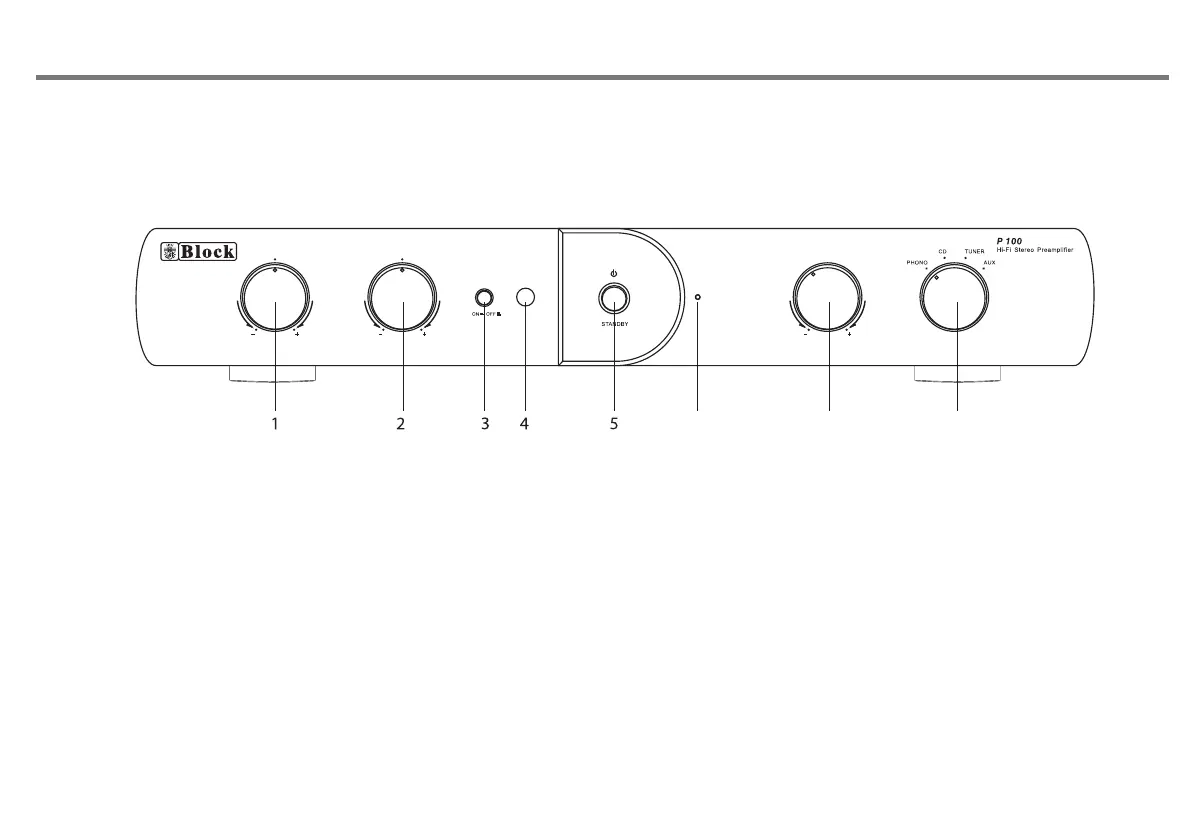
FRONT PANEL CONTROLS
P15
TON E
TREBL E BASS
VOLUM E
INPUT
1. TREBLE KNOB. Adjust treble level.
2. BASS KNOB. Adjust bass level.
3.TONE ON/OFF SWITCH.
4. REMOTE SENSOR
5. STANDBY BUTTON. Press this button to turn to standby
mode, press again return to normal mode..
6
7
8
6
is in standby mode.
7. VOLUME KNOB. Adjust volume level.
8. INPUT SELECTION SWITCH.
.LED INDICATOR, it will be turn on in red colour when the unit


 To Next Page