9 / 34 EN
Refrigerator / User Manual
Operating the Product
This is the main screen you will see when you
open the door of the product. The product consists
of 3 main compartments.
• Fresh food compartment.
• Special fridge compartment
• Freezer compartment
You can see the current temperatures of these
compartments on the display. The snow symbol on
the screen will be displayed
during quick cooling/freezing.
3.2 General Display Appearance
3.1 On/Off Function
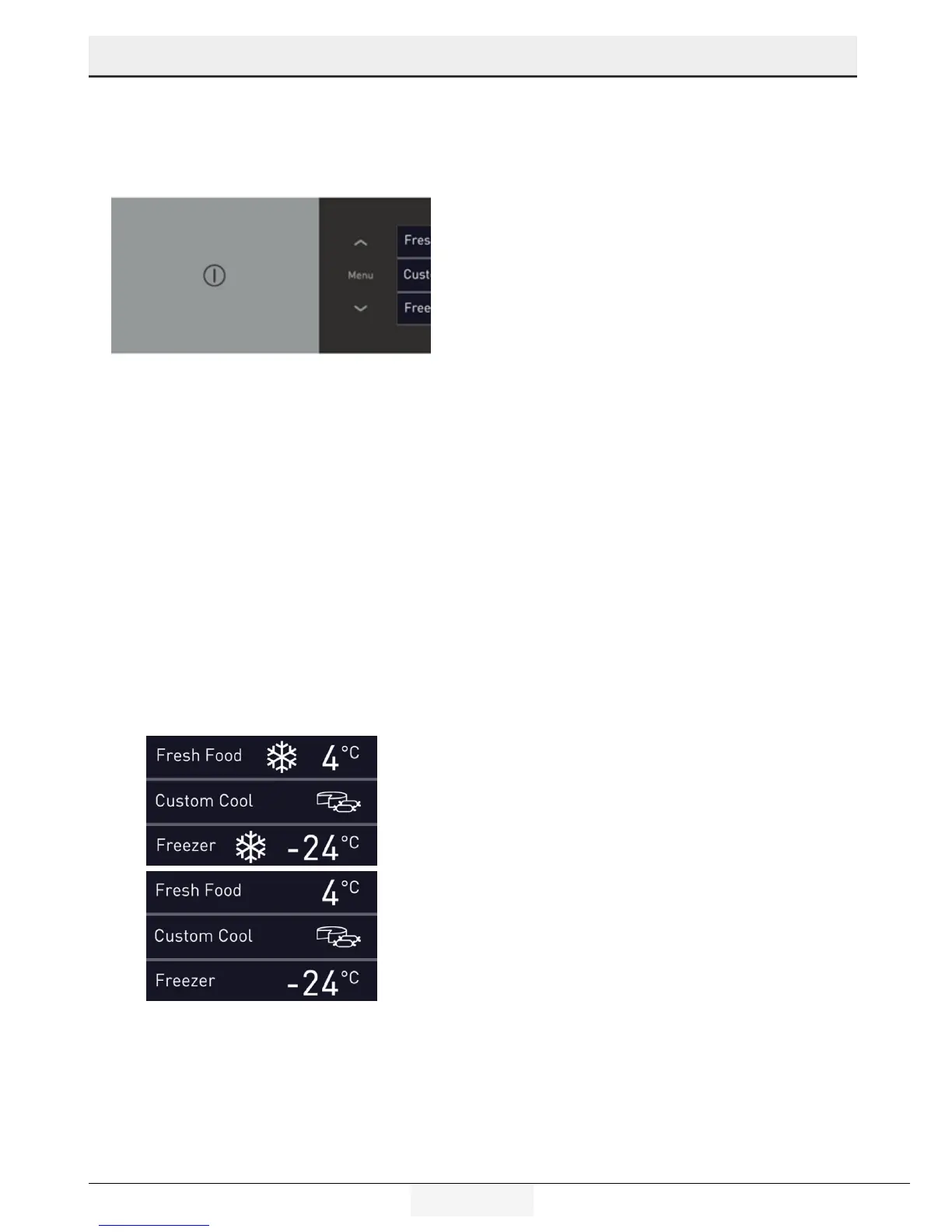
Press the button to switch on the product. The
product will be switched on in 10 seconds. Press
and hold the on/off button for 3 seconds to switch
off.
Just press the on/off button to switch on the
product again. The display will turn off in 10
seconds.



 To Next Page