23
Example : 12:15 hrs
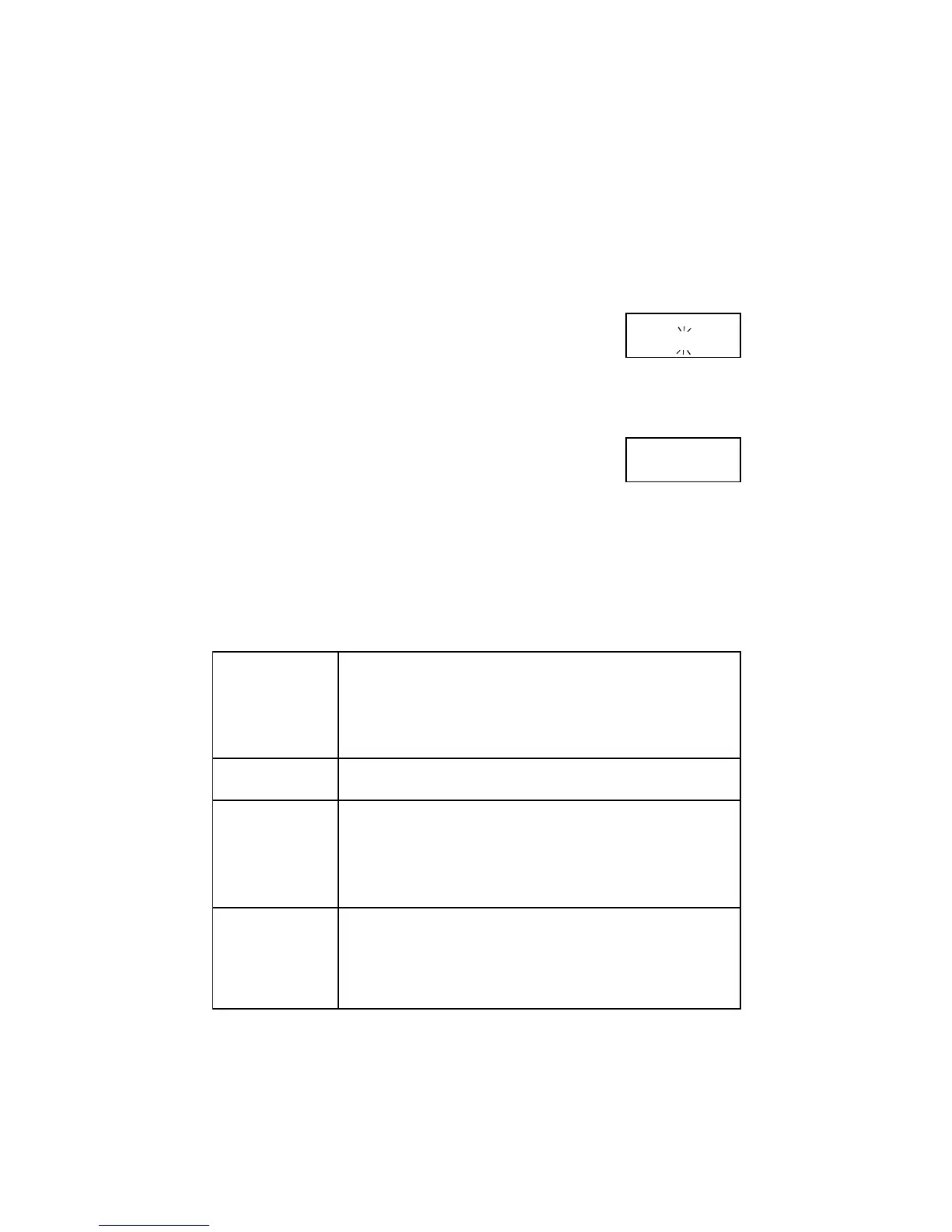
1.Plug the appliance into the mains. The display starts to flash
‘
0000::0000
’. The dots between the digits blink rapidly.
2.Press the Multi-function button beneath the display (top left
side). The dots between the digits blink faster.
3.While keeping the Multi-function button pressed, set the time
of day with the rotary knob
1)
Release the button as soon as the time of day is displayed. The
dots between the digits blink slowly. The appliance is now ready
for use.
00:00
12:15
1)
The rotary knob can be turned clockwise ( to increase) or counterclockwise (to decrease).
The time of day can be corrected at any moment by pressing the Multi-function button
and simultaneously turning the rotary knob.
SETTING THE CLOCK
MICROWAVE POWER SETTINGS
750 Watt - Heating liquids
700 Watt - To start a cooking sequence, start roasting, stewing, etc.
- Cooking vegetables
- Cooking dishes
- Defrosting and heating of deep frozen ready made meals
- Heating refrigerated ready made meals
600 Watt - Finish cooking casseroles
500 Watt - Cooking egg based dishes
450 Watt - Finish cooking dishes
350 Watt - Cooking of delicate dishes
250 Watt - Heating baby food in glass jars
- Soaking rice
- Heating delicate dishes
- Melting of gelatin
150 Watt - Defrosting meat, fish and bread
80 Watt - Defrosting cheese, cream and butter
- Defrosting cakes with cream or butter icing
- To make dough rise
- Warming cold dishes, drinks, softening butter



 To Next Page