13 14
Email
Email setup (Gmail, Yahoo!, etc.)
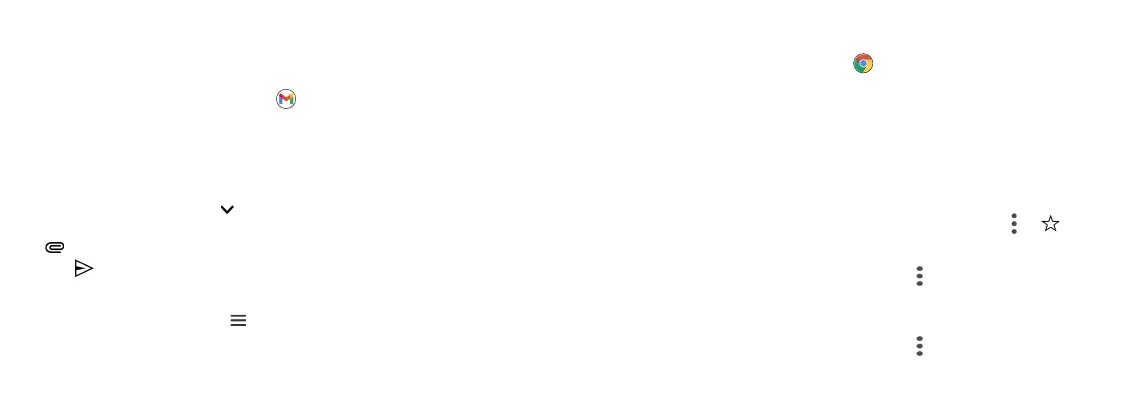
From the Home screen, tap Gmail , and follow the steps to set up
your account.
Create and send an email message
1. Tap Compose from the Inbox screen to compose a new message.
2. Enter the recipient(s) email address in the To eld. To add a carbon copy
or blind carbon copy, tap .
3. Enter the subject and content of your message. To add attachments, tap
and select Attach le.
4. Tap to send.
Email settings
From Email screen, tap Menu > Settings to congure your Email
settings.
Chrome browser
From the Home screen, tap Chrome to browse the Internet, search
for information, and bookmark your favorite web pages for convenient
access.
Browsing web pages
From the Chrome browser screen, tap the address eld and enter a web
address or a keyword to browse for web pages.
Adding a bookmark
Open the web page you want to bookmark and tap Menu > .
Opening a bookmark
From the Chrome browser screen, tap Menu > Bookmarks, select
the bookmark of the website you want to view.
Browser settings
From the Chrome browser screen, tap Menu > Settings to customize
the browser.



 To Next Page