13
The use of touch screen
The use of mobile phone touch screen can more easily select a project or executive function, understand
the basic actions to use the touch screen.
PS: 1、 In order to avoid scratching the touch screen, do not use sharp objects.
2、The touch screen can not contact with other electronic equipment, equipment, electrostatic discharge
may lead touch screen to failure.
3、The touch screen may not contact with water, a touch screen in a humid environment or when in
contact with water may malfunction.
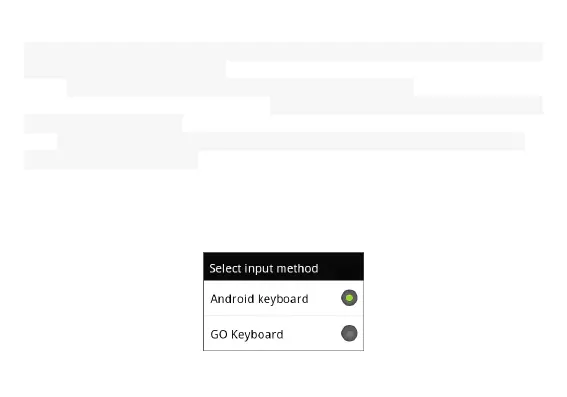
Switching input Method
1、 In the interface of text editor(for example: search、text editor),Long press the input box,it will pop
up the menu of edit text.
2、Choose the input method



 To Next Page