3
1、Power Key 2、3.5mm Headphone jack 3、Receiver 4、The Volume Keys
5、USB Interface 6、Main Panel 7、Menu Key 8、The Home Key
9、Return Key 10、Microphone 11、Camera 12、Loudspeaker
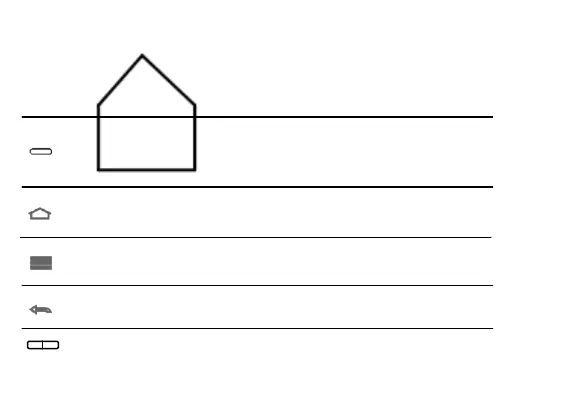
Mobile Phone Press Key Function
Press this key can light up the screen
Start state, long press this key can eject the mobile phone
start state,short press this key can close the screen
Press this key to return to the main screen
Long press this key can open the list of recently used programs
Long press this key to close the soft keyboard
Press this key to open the current interface menu
Press this key to return to the interface
Press this key to exit the program
Press this key to adjust the phone volume



 To Next Page