7
T P M S
The BLU TPMS system supports both Android & iOS operating systems. (Bluetooth 4.0 required).
Search in the Google Play Store or APPLE App Store by keyword “BLE” or ”TPMS” , in order to
find the free App.( Multi Wheel Bluetooth TPMS App.
6. App Download and Installation
App Download Operating System
Compatible Smartphone
APPLE App Store
iOS 7.1.2 or later
iPhone 4S, 5, 5S, 6, 6S, Plus or
later
Android Google Play Store Standard Android 4.3 or later Android Smart Phone
iOS version Android version
6.1 Operating System Requirements
6.2 How to Download
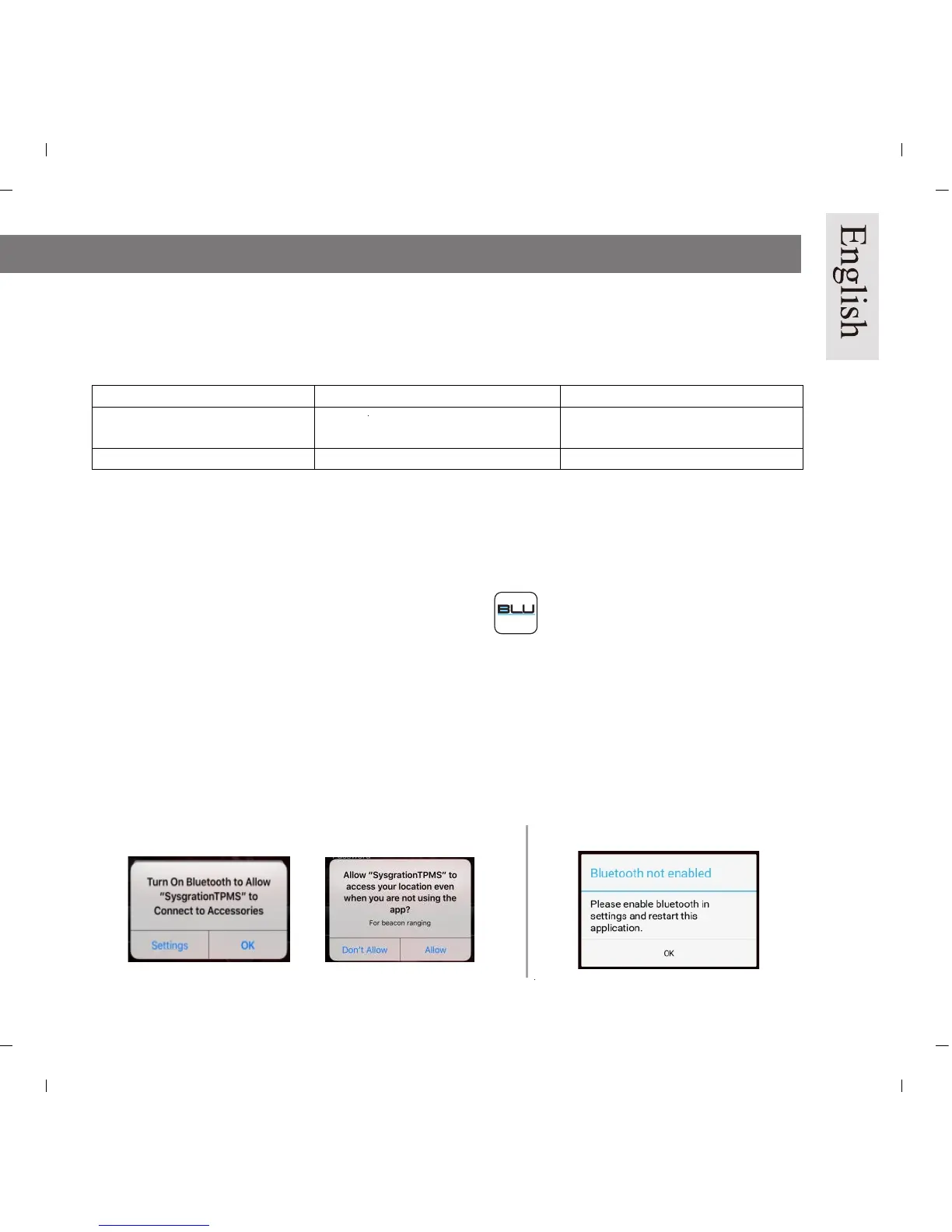
After you install the App, please restart the device and make sure Bluetooth is enabled. Open the App
after restart is completed. A statement from the operating system will pop up, displaying “Bluetooth
Service Disabled” and/or “Location Services Disabled”. Please choose “ok” to turn on the
“Bluetooth” & “Location Services” function. In case “Location Services” is not turned on properly,
please turn it on in “Settings” (only for iOS system).


 To Next Page