13
Camera
Camera
Prior to Use: Insert SD card before using the camera or video
camera. All photos or videos taken by the phone are typically stored
in the memory card.
Open Camera
1. Applications Menu » Camera
2. Switch to video mode if you want to record videos.
Note: You may place a camera shortcut icon on any of the screens
Take Pictures
1. Aim the object that the picture will be taken.
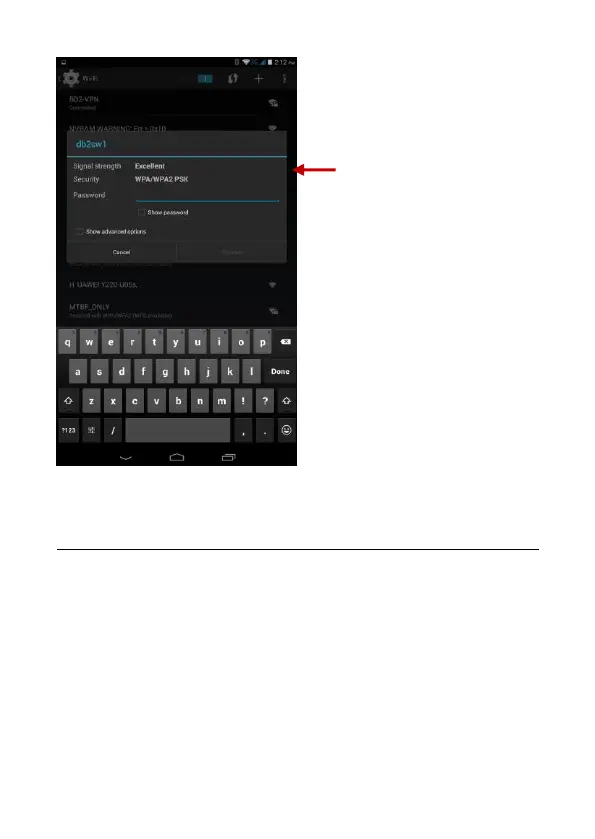
List of available networks
and the network connection
screen



 To Next Page