7
Call Options
There are different options that can be used in the call log and
dialing interface. You may press the menu key while in the dial
interface and adjust speed dial and call settings. In the call logs, you
may set call log type for outgoing, received, and missed calls.
Contacts
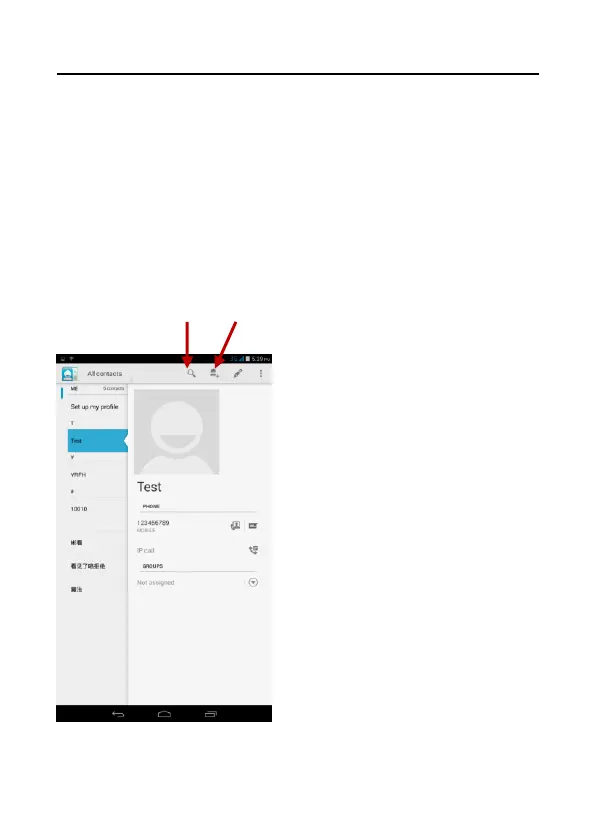
Enter: Click on the applications menu and select contacts.
• The default display is the phone contacts and SIM card contacts.
• The contacts are organized alphabetically by default.



 To Next Page