18
have the option to make any recorded audio the phones default ring
tone.
The recorder uses AMR, 3GPP and OGG format.
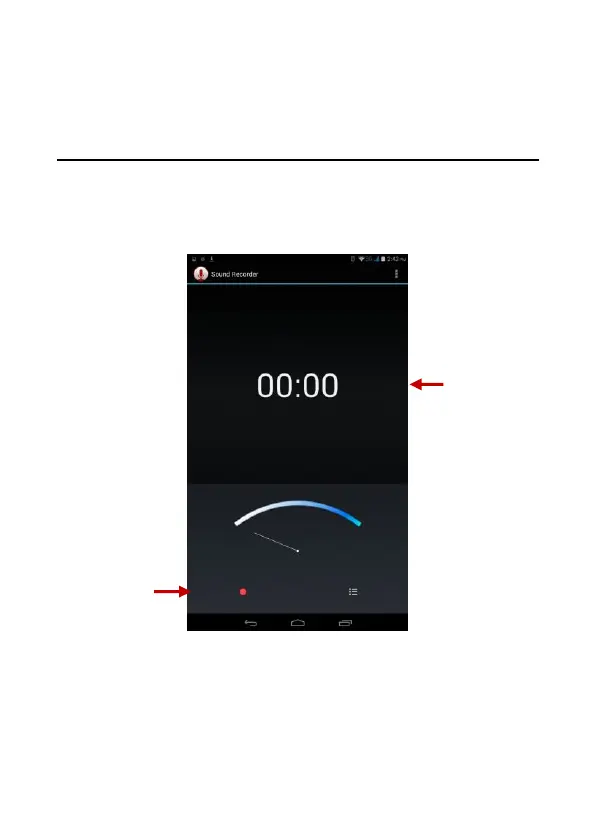
Record
-Keep the phone’s microphone near the voice source.
-Click the record button to record the audio.
-Click the stop button to stop recording the audio.
Note: All recordings will be saved in the recording folder and can be
accessed from the sound recorder application. Please ensure the
SD card is installed.



 To Next Page