Conductive
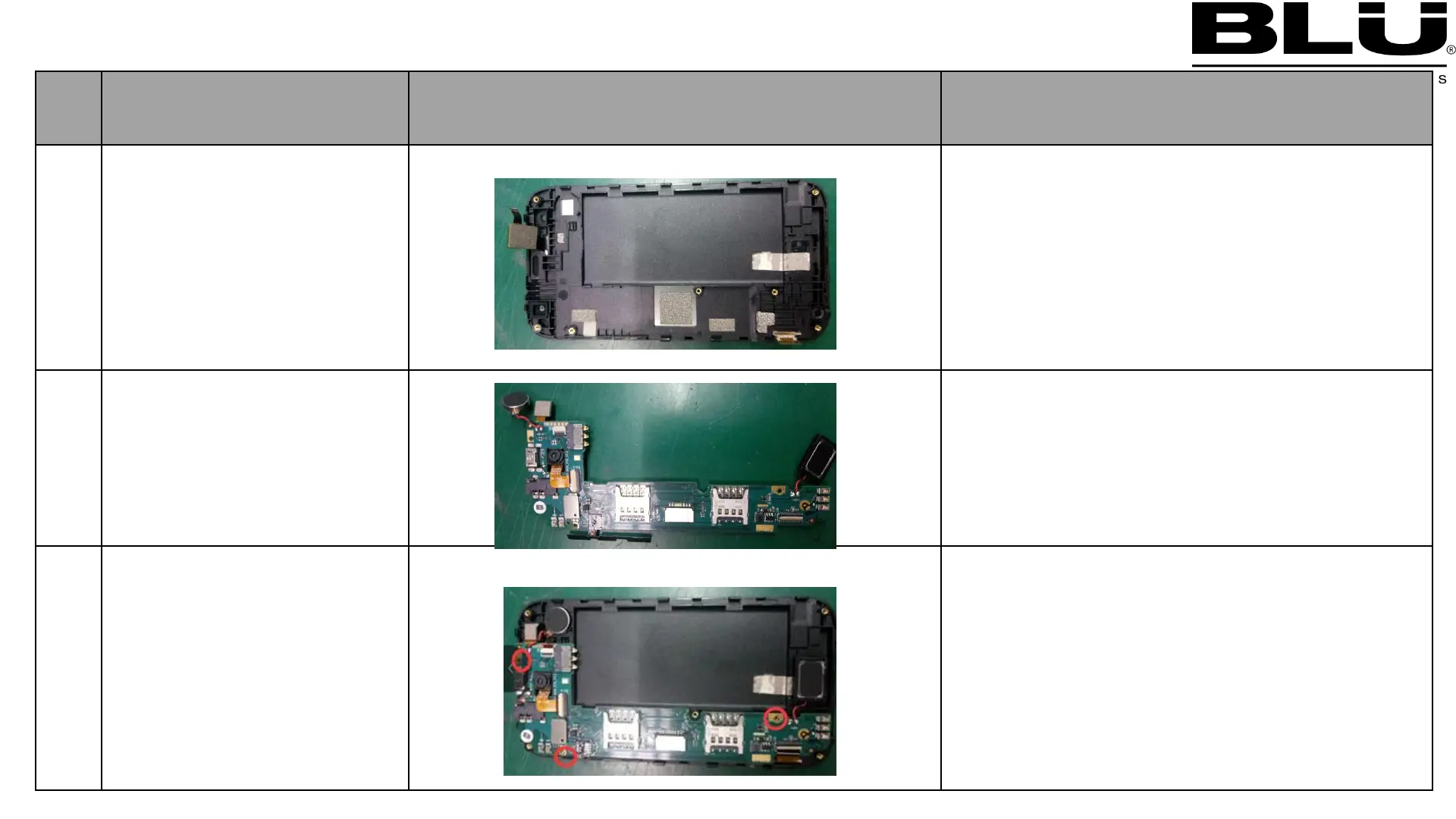
:Assemble Speaker side key conductive Fabric
Shell (2PCS)
:Assemble LCD Conductive foam 1 into the
PCS)
:Assemble LCD Conductive foam 2 into the
:Assemble LCD Conductive foam 3 into the
Side key
,Moto,
,receiver front
:Assemble main camera into the PCBA
:Assemble Receiver into the PCBA
:Assemble Moto and speaker,side key
Assemble PCBA into A
shell_1
:Assemble front camera into the A shell
:Assemble Receiver into the A shell
:Assemble moto and speaker into the A
:
Assemble 3 pcs screws buckle board on A
shell



 To Next Page