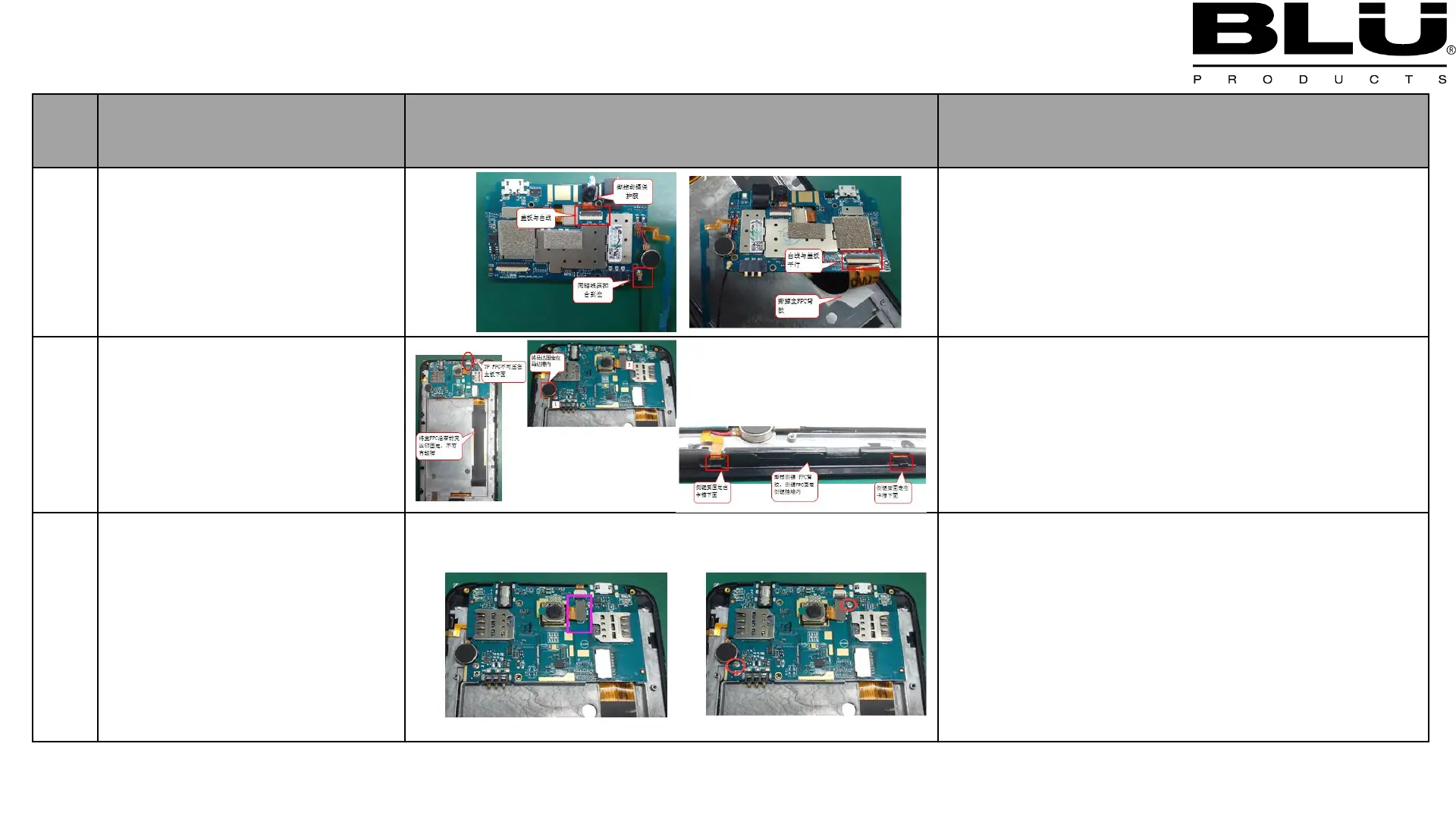
Front camera,
:Assemble Front camera into the PCBA
:Assemble Copper axis into the PCBA
LCD line into the PCBA
Assemble PCBA into A
shell
:Assemble main PCBA into the A shell
:Assemble TP-line into the PCBA
:Assemble Motor into the A shell
3: Assemble side key into the A shell
:Assemble Back camera into the PCBA
:Assemble 2PCS screws into the PCBA



 To Next Page