22
System Update
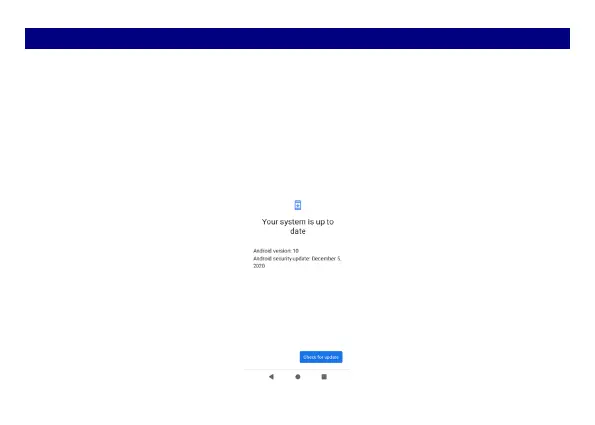
Enter System Settings->System->Advanced->System update, the device will automatically
search and check new version of software.
To update your current software, you must download new software online. The device will
be in Recovery mode and will start to update the system after successfully downloading
the new software. Then the device will reboot once system updating is complete, a pop-up
message will appear to notify that the device has been successfully updated.
Note: Ensure you switch on Wi-Fi or Data connection.



 To Next Page