name
and note
10
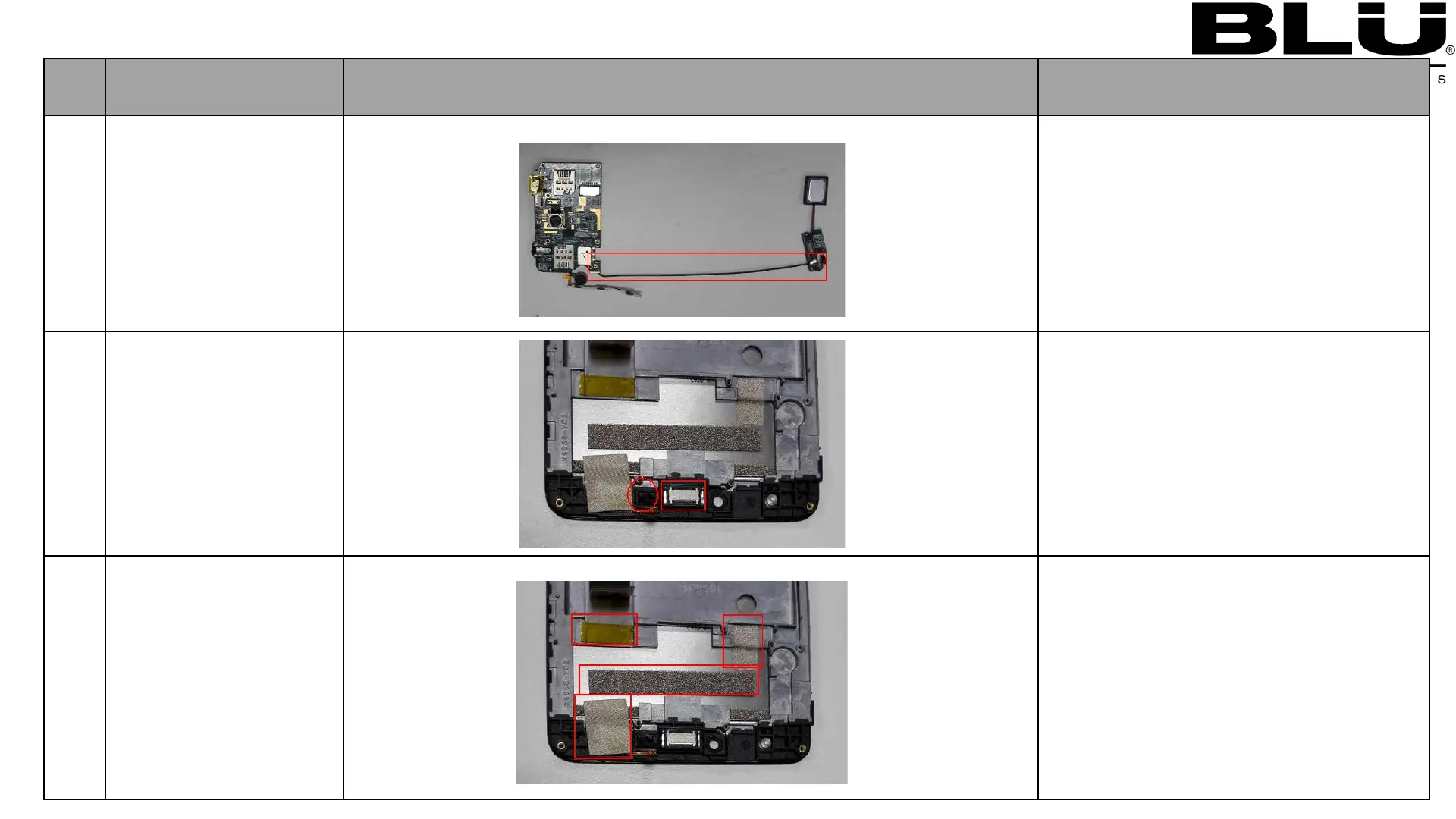
Remove Coaxial
cable
1.Remove Coaxial cable
with tweezers.
11
Remove
1:Remove dis rubber with tweezers
2:Remove receiver with tweezers
12
Remove LCM
Conductive Fabric,
TP-IC Conductive
Fabric,PCBA
Conductive
Sponge ,Insulation
Mylar ,
1:Remove LCM Conductive Fabric with
tweezers
2:Remove TP-IC Conductive Fabric with
tweezers
3:Remove PCBA Conductive Sponge
with tweezers
4:Remove Insulation Mylar with
tweezers



 To Next Page