1
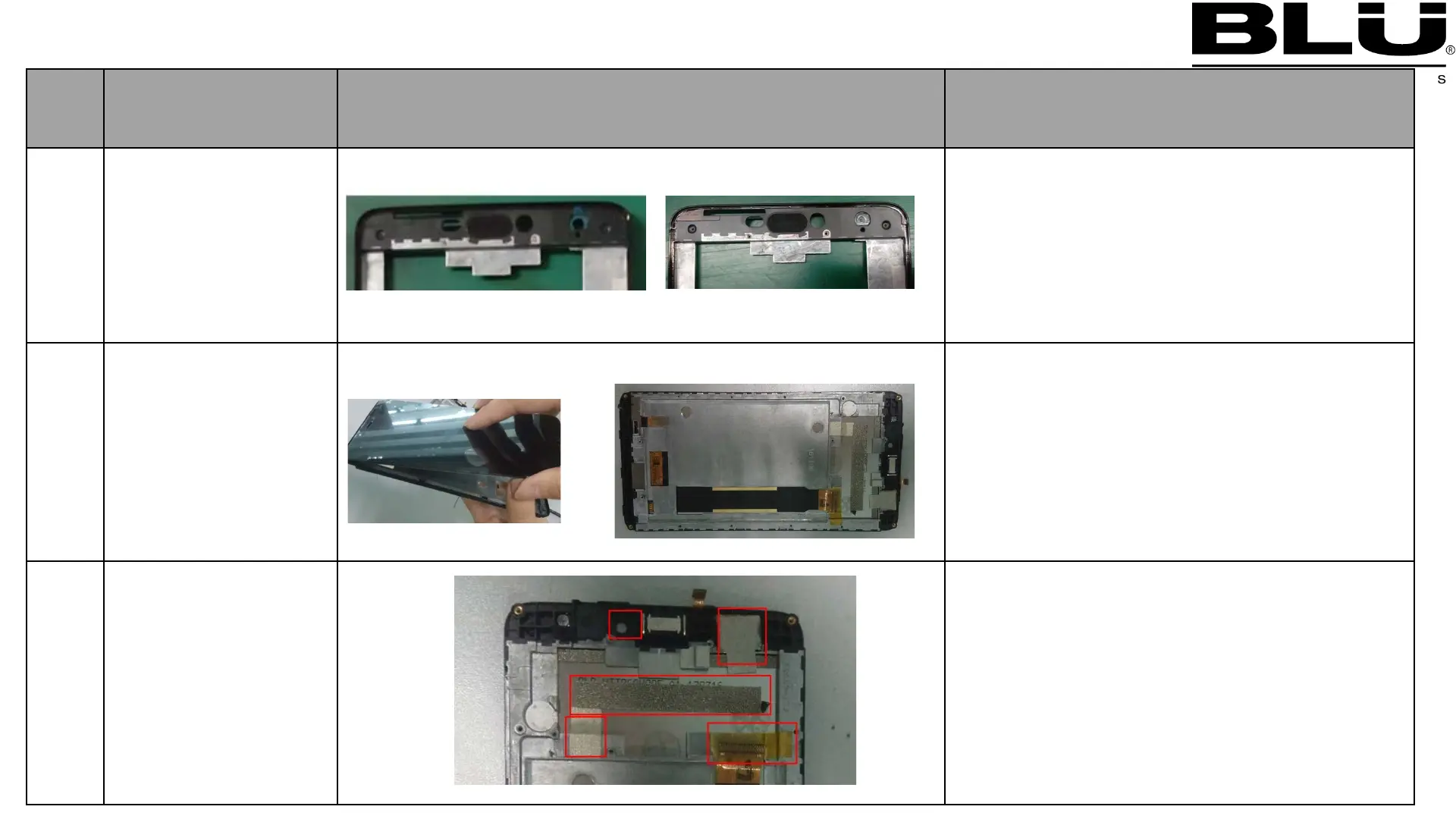
Assemble Front
Flash lens
1:Assemble front flash lens ,
as left picture
2
Assemble
TP&LCD on A
shell
1. Insert the TP FPC into the A shell
2. Insert the LCD FPC into the A shell
3. complete as left second picture;
3
Assemble TP_IC
Conductive Fabric,
LCM Conductive
Fabric,Pcb_Conduc
tive_Foam,Insulati
on Mylar,Front
camera seal foam
1. The conductive Fabric, conductive
Foam,Front camera seal Foam,Mylar
in accordance with the left assembly
2:Assemble front camera seal foam
5.3 Assembling procedure



 To Next Page