name
and note
4
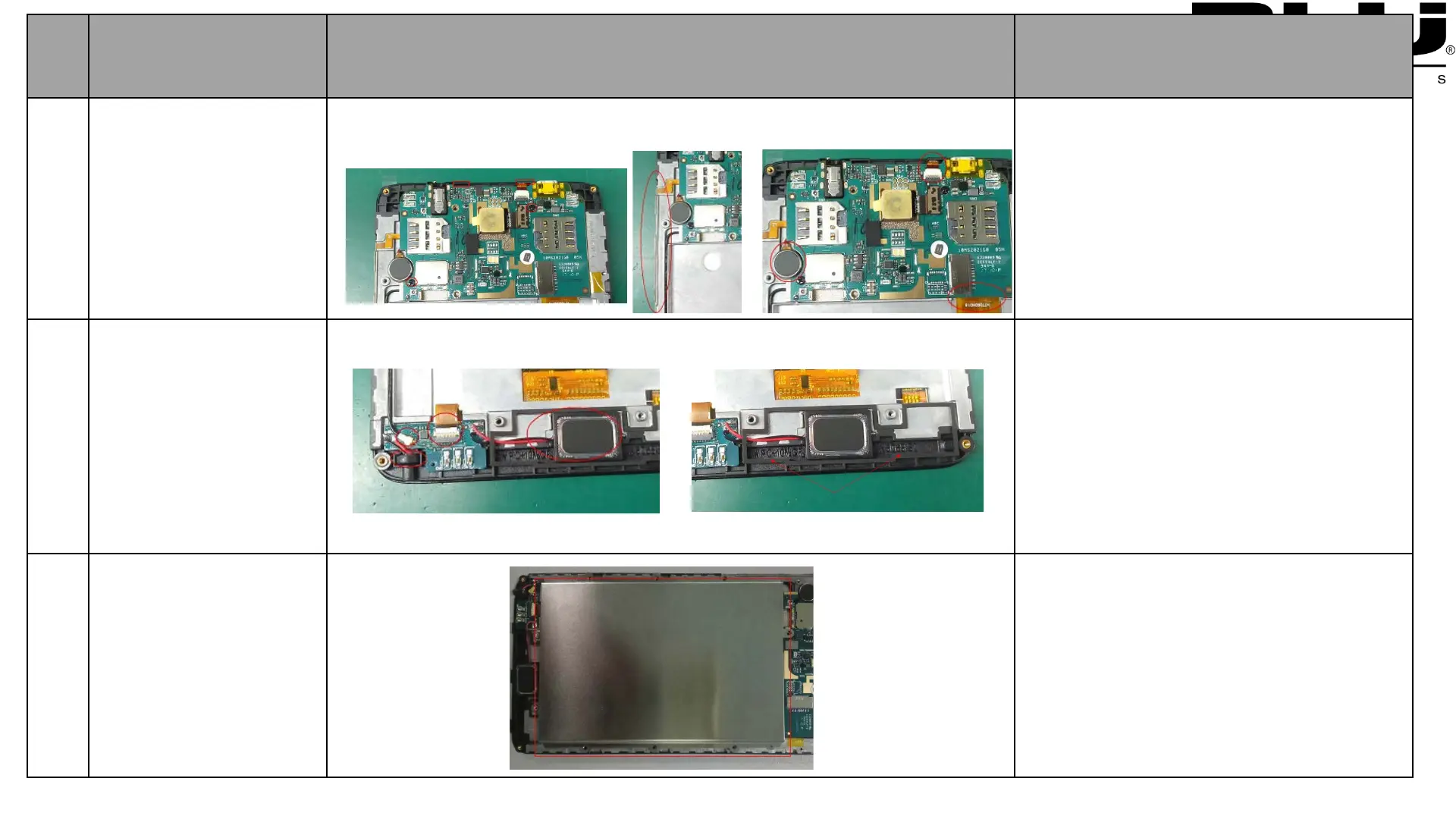
Remove Main PCBA
1:Remove 1 PCS screws
2:Remove side key reinforcement
plate
3:Disconnect the TP connector
4:Remove moto with tweezers
5:Disconnect the PCBA connector
6:Remove 2PCS Support Foam
5
Remove SUB PCBA
1.Disconnect coaxial cable connector
with tweezers
2:Disconnect SUB FPC connector
with tweezers;
3:Remove speaker with tweezers
4:Remove Mic with tweezers
5:Remove speaker foam with tweezers
6
Remove Battery
1:Remove battery with tweezers



 To Next Page