EasyManua.ls Logo

Blu Win HD - Page 16

Blu Win HD
38 pages
Print Icon
To Next Page IconTo Next Page
To Previous Page IconTo Previous Page
Loading...
16
Delete Contact
Click on the Contacts icon to enter the phonebook.
Long press on the contact you wish to delete.
Click delete to eliminate contact from phonebook.
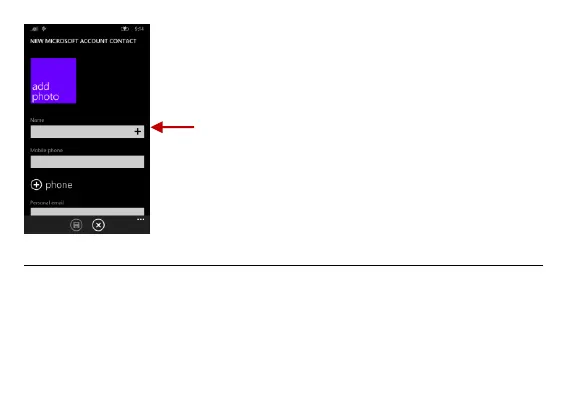
Contact
information
entry field
Note: Saving your contacts to
your Outlook account facilitates
both storage and synchronization
with multiple entries across
different handsets and tablets.
When syncing your Outlook with
a new phone, all your stored
Outlook contacts are
automatically synced with the
new phone.

Related product manuals