9
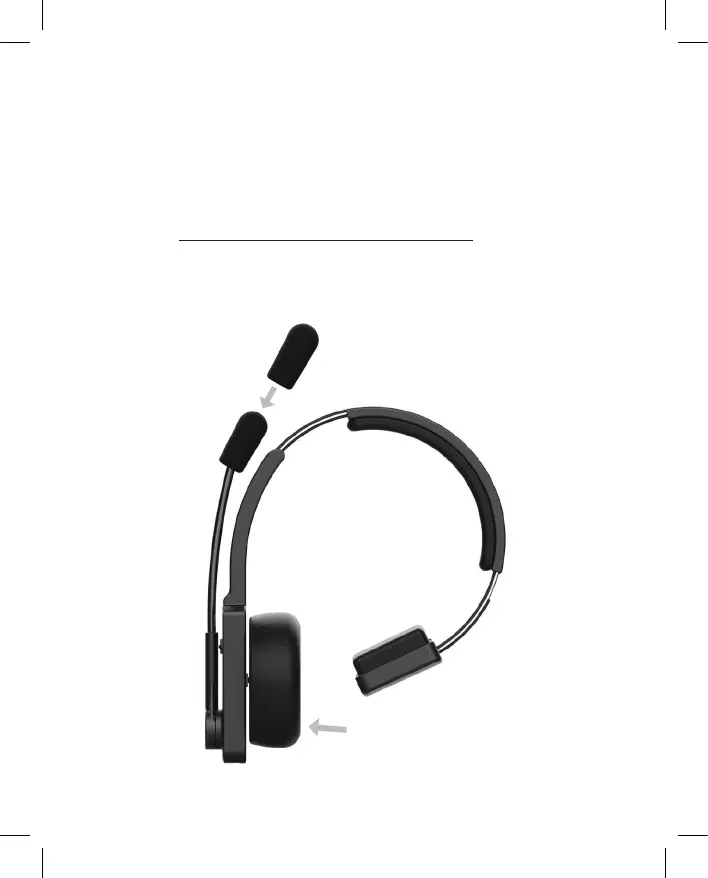
INSTALL WINDSCREEN AND EAR CUSHION
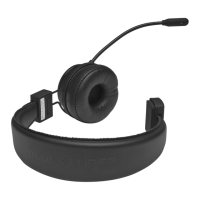
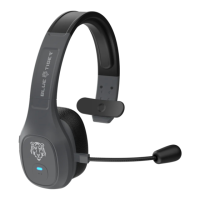
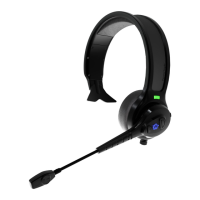
The Microphone Windscreen and the speaker Ear Cushion are both easily replaceable.
1. Slide the Mic Windscreen over the microphone assembly like a sock.
2. The Ear Cushion ts on to the speaker housing assembly. Gently “peel” the cushion o of the
housing to replace or interchange between the foam or leather cushions (both included).
3. Fitting the leather cushion can be tedious. For a demonstration on how to interchange ear
cushions, visit: http://bluetigerusa.com/pages/advantage-learn
Ensure speaker housing
ange is tucked into
cushion all around



 To Next Page