
 Need help?
Do you have a question about the Blueair Classic 605 and is the answer not in the manual?
Unit adjusts fan speed automatically using built-in or external sensors.
Covers handling of the power cable and electrical safety.
Details proper usage, supervision of children, and user limitations.
Connect power, open lid, and press button to initiate Wi-Fi pairing.
Control airflow and configure auto mode via the mobile app.
Guides users through the process of removing old and installing new filters.
Key performance data including CADR, airflow rates, and air changes per hour.
 General
| Noise level | 62 dB |
|---|---|
| Air purify rate | 640 m³/h |
| Number of speeds | 3 |
| Standby function | Yes |
| Suitable for room area up to | 72 m² |
| Suitable for room volume up to | 1087 m³ |
| Power consumption (max) | 100 W |
| Placement | Desk, Floor, Table |
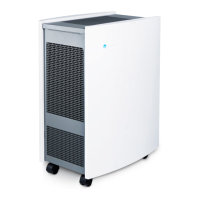
| Product color | White |
| Built-in display | - |
 Weight and Dimensions
| Depth | 340 mm |
|---|---|
| Width | 500 mm |
| Height | 660 mm |
| Weight | 16000 g |



 To Next Page
