98
Control it
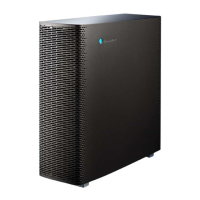
Thanks to built-in Wi-Fi you can adjust the settings on Sense+ both wirelessly and manually.
Wirelessly with the Blueair app:
Adjust airflow speed
Tap in circle to change speed. Off = all circles are gray.
Adjust LED intensity
Tap in circle to change intensity. Off = all bars are gray.
Child lock
Tap in circle to switch child lock on/off. When on, you can adjust airflow speed only with the
app, not on the unit.
Auto mode
Enabled only if you have both the Blueair Aware and the Sense+ connected to the app. In Auto
mode the Blueair Aware controls the Sense+ automatically, based on real-time indoor air
quality analyses.
Tap in circle to switch Auto mode on/off.
Tap to choose which Blueair Aware device you want to control the Sense+
Night mode
Change airflow speed and LED intensity during selected hours and weekdays.
Tap in circle to switch Night mode on/off.
Tap in circle to change airflow speed. Off = all circles are gray. This speed will only apply
during the times and on the days that Night mode is set for.
Tap in circle to switch LED on/off. This setting will only apply during the times and on the
days that Night mode is set for.
Drag/tap in outer circle to set start and end time.
Tap to select days.
(Default Night mode settings are airflow speed 1 and LED off during all days between 9 PM and 7 AM.)
Connect it wirelessly to your smartphone
1. Download the Blueair Friend
TM
app to your smartphone (available for iPhone and Android).
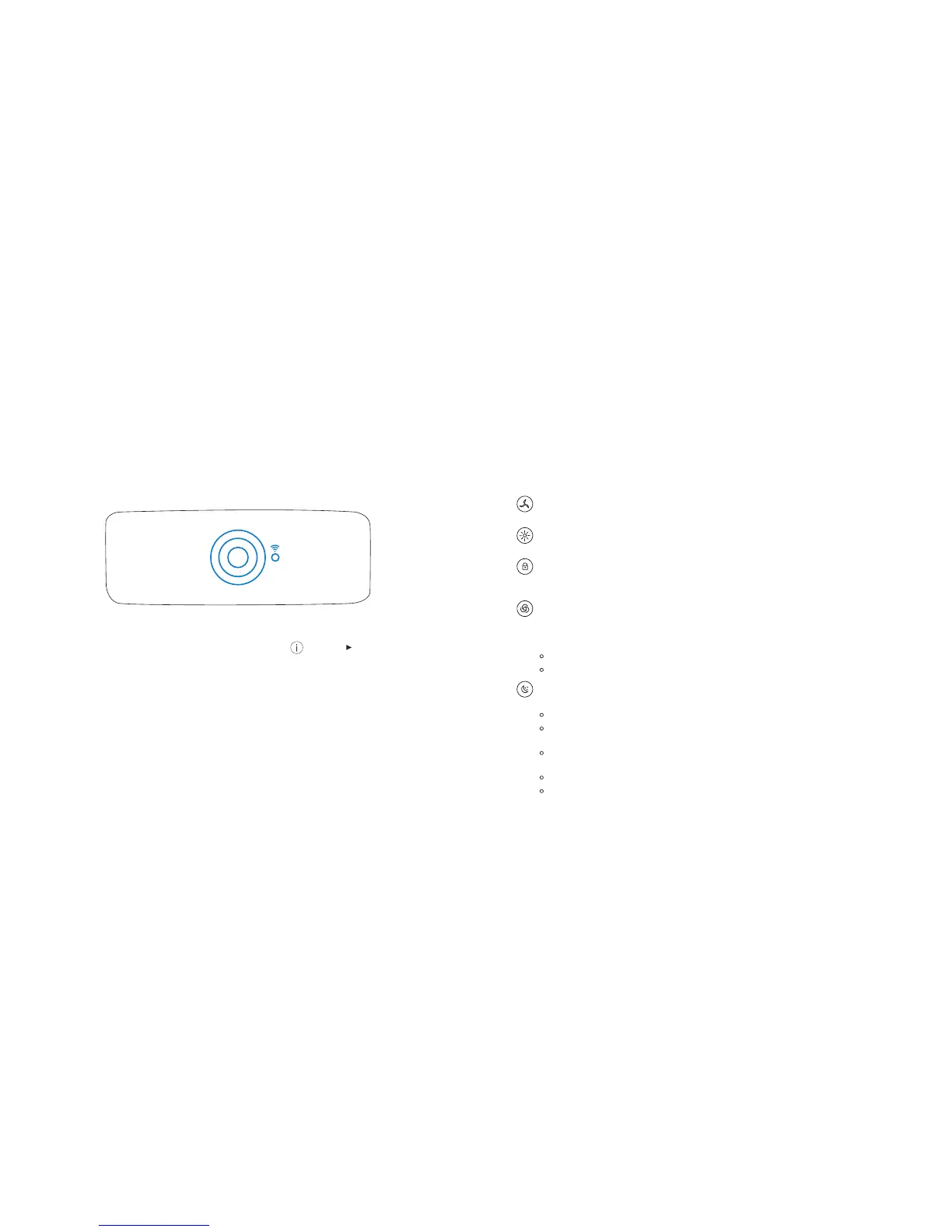
2. Activate Sense+ by sweeping your hand over the top display – when a Wi-Fi symbol and a circle
are pulsing, Sense+ is ready to be connected to the Blueair app.
3. Make sure you are connected to the Wi-Fi network you want Sense+ to be connected to. Start the
app and follow setup instructions. For more information, tap on (Support) “FAQ” or “Trouble-
shooting”.
4. Now Sense+ is connected to your smartphone and can be controlled wirelessly.


 To Next Page