EasyManua.ls Logo

Blueant COMMUTE 2 - Page 24

Blueant COMMUTE 2
104 pages
Print Icon
To Next Page IconTo Next Page
To Previous Page IconTo Previous Page
Loading...
24
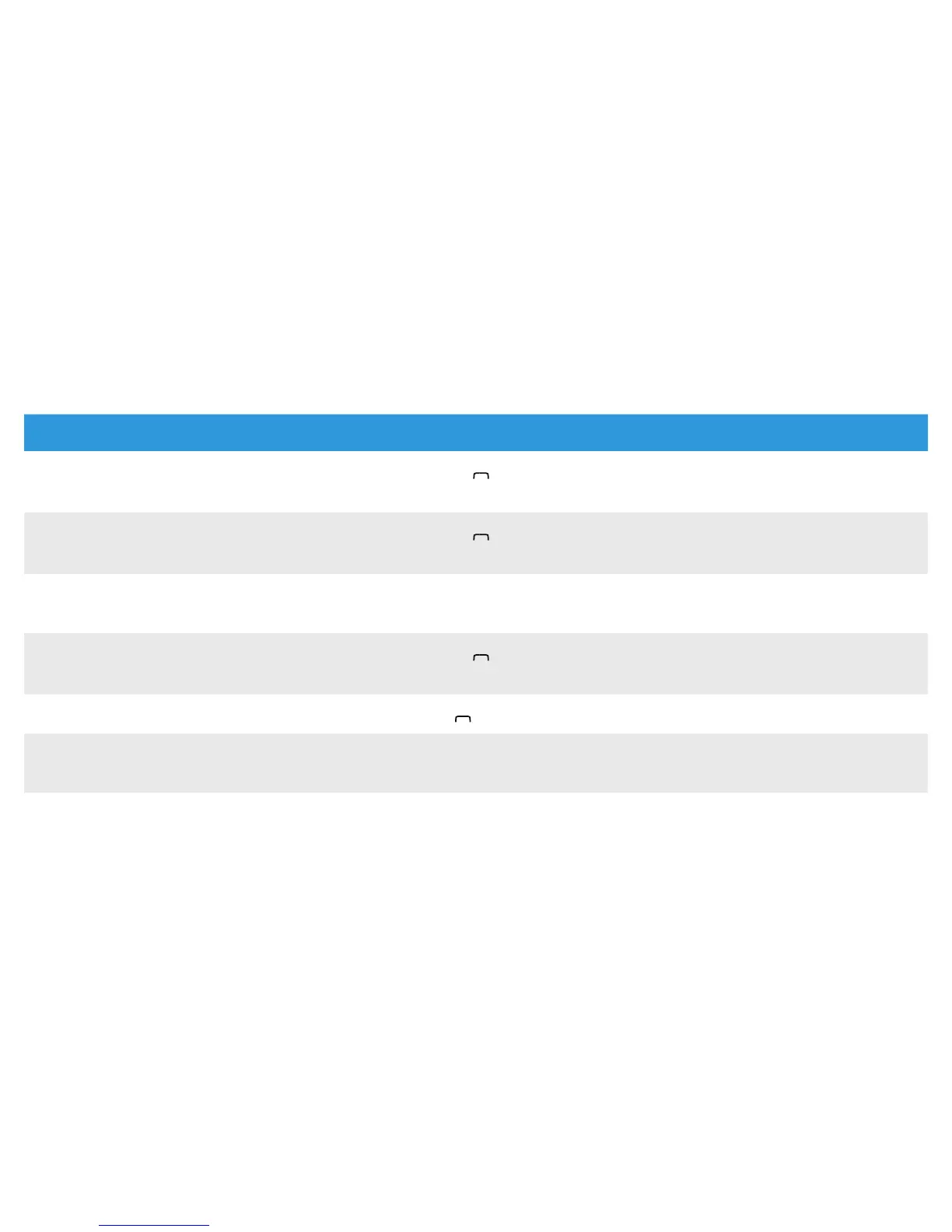
Function Do This When
Hold active call and switch to incoming
or held call
Press the
BlueAnt
symbol for
about 1 second
During an active call (with phone
ringing or call on hold)
Conference held and active call
Press the
BlueAnt
symbol for
about 3 seconds
During an active call (with phone
ringing or call on hold)
Mute/unmute microphone Press + and - together for
about 1 second
During an active call
Enter pairing mode
Press the
BlueAnt
symbol for
about 1 second
No phone connected
Cancel pairing mode
Tap the
BlueAnt
symbol
Pairing mode
Update phonebook Press + and - together for
about 3 seconds
Phone connected but not on a call

Related product manuals