8
Using the Handsfree Triggers
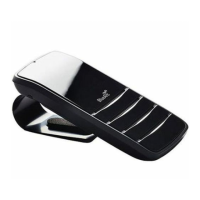
The Commute 2 is designed to be a true handsfree device.
There is no need to press a button to start using the Commute 2. Just say one of the handsfree trigger
phrases:
> Say BlueAnt Speak To Me to activate the Commute 2’s voice control menu and use one of the commands
listed in the next section.
> Say Launch Voice Control to activate Siri, Google Now or your phone’s voice dial feature (if available). When
you do this you will be using your phone’s voice recognition software, so check your phone manual to fi nd
the available commands.
Note: The handsfree triggers only work when the green handsfree trigger indicator light on the front of the
device is on. This tells you that the Commute 2 is listening for your voice.



 To Next Page