9
2. Power the phone off and back on.
3. Reset your Q3 and pair it with your phone again.
This is due to the way the Android PBAP request system works.
Note: Some other phones may also require you to grant
phonebook access permission. Select “YES” or “OK” when
prompted.
Use Your Voice to Control the Q3
Phone
Commands
3
Say A
Command
21
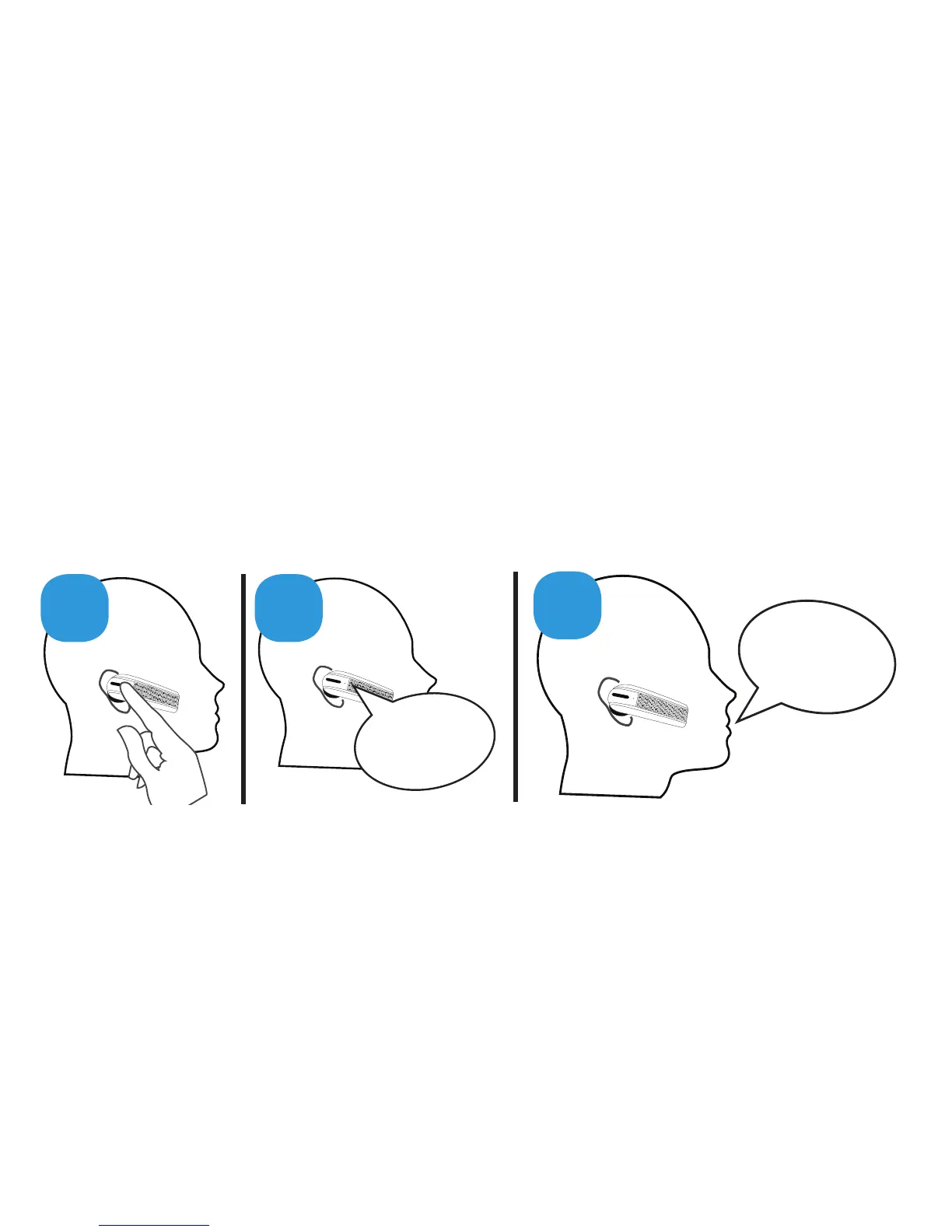
The Q3 is voice controlled. Simply:
1. Click the Command button
2. Wait for the Q3 to ask you to Say A Command
3. Say the command:


 To Next Page