8.
HOW IT WORKS.
Start at step 1.
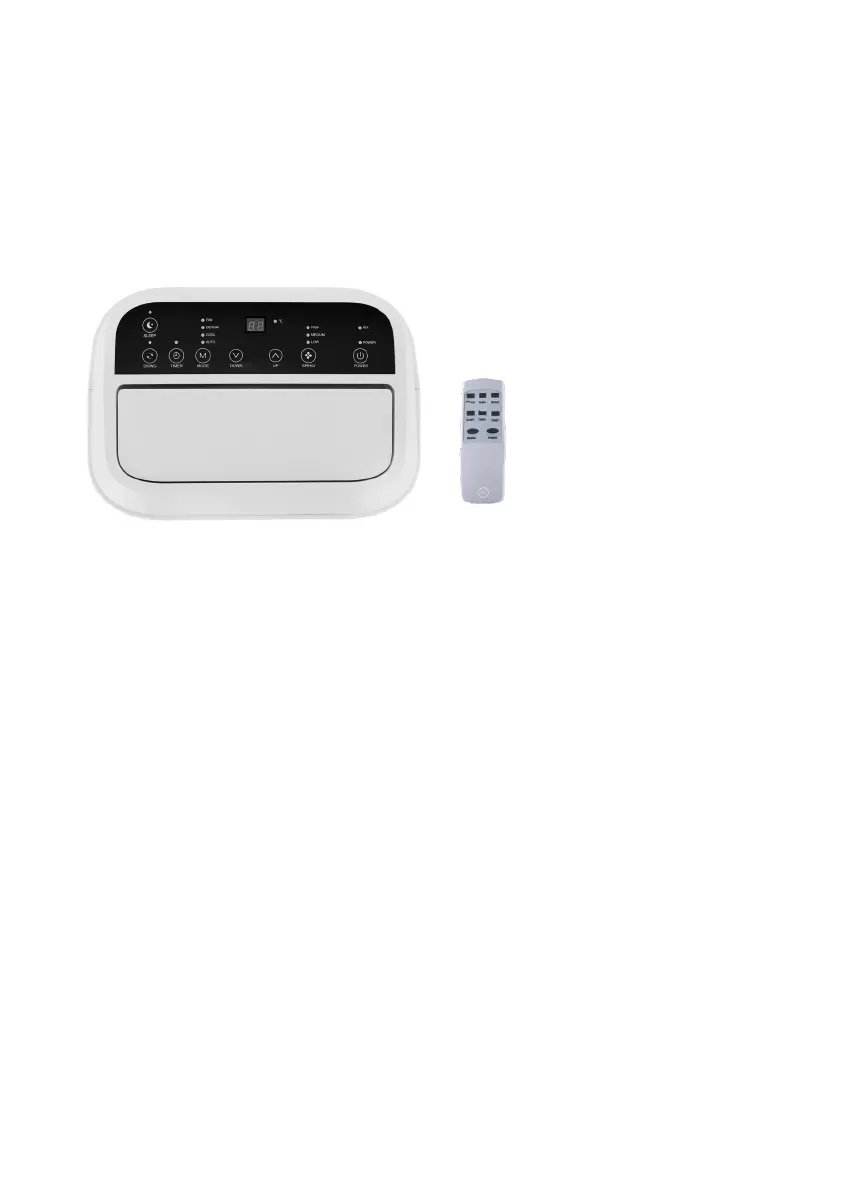
e air conditioner has various settings, which you can select on the air
conditioner’s display or with the included remote.
Various settings
e air conditioner is equipped with various settings to cool the room. Use the
MODE button to switch between the available settings.
Automatic cooling
Select an automatic program to cool the room. Depending on the temperature
in the room, the air conditioner will choose a suitable function: cooling,
dehumidifying, or ventilating.
1. Press the MODE button until the AUTO light lights up.
2. e machine chooses a setting based on the ambient temperature:
• If the ambient temperature is lower than 23°C, the air conditioner will
ventilate up to a desired temperature of 21°C.
• If the ambient temperature lies between 23 and 26°C, the air conditioner
will dehumidify the air up to a desired temperature of 23°C.
• If the ambient temperature is higher than 26°C, the air conditioner will
cool up to a desired temperature of 25°C.


 To Next Page