6.
HOW IT WORKS.
Go for it.
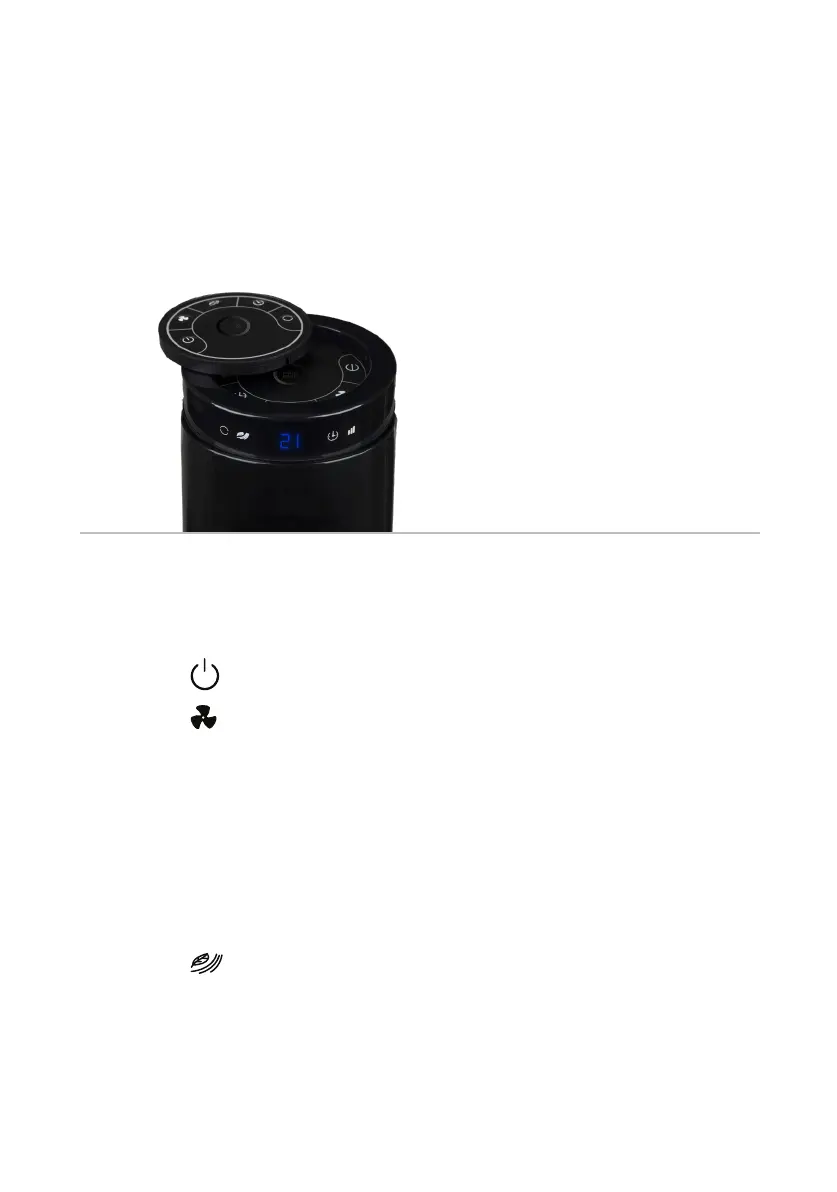
e fan has various settings to ventilate the room. Use the button on top of the
fan or the remote to switch between settings.
Ventilation
e fan has 3 different settings. e light on the LED display of the fan shows
which setting is turned on: green - low, orange - medium, and red - high.
1. Press the button to turn on the fan.
2. Press the button to choose a speed setting.
3. e fan starts in the lowest setting. Press once for the medium setting and
twice for the high setting.
Natural wind
In the natural wind setting, the fan adjusts its speed several times. is produces
the most natural airflow possible.
1. Press the button to turn on the natural wind setting.
2. Press this button again to turn off the natural wind setting.



 To Next Page