9
3.4 LCD Backlight
The backlight time duration and brightness on the
display screen can be set. To adjust this select the
Settings option in the main menu, select option 1
Phone Settings then Misc Settings. If you do not press
any key after a certain period of time, the backlight will
be turned off automatically when the set time duration
expires.
4. Quick Introduction
4.1 Remove the Battery Cover and Insert the SIM Card
The SIM card stores your phone numbers, PIN
(personal identication number), PIN2, PUK (PIN
phone unlocking key), PUK2 (PIN2 unlocking key),
IMSI (international mobile subscriber identity) codes
and network information, as well as Phonebook and
SMS (Message service) data, etc.
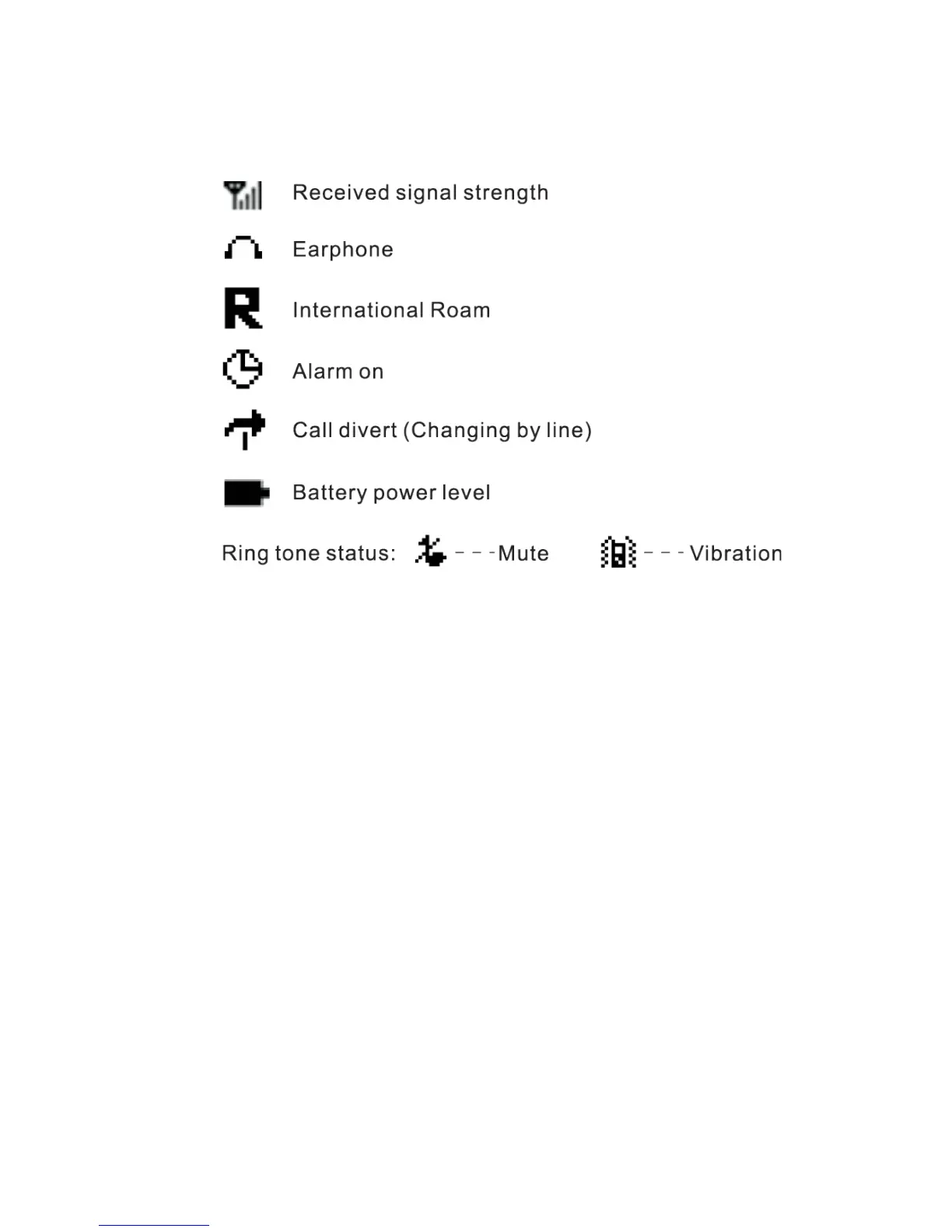
3.3 Status Icons


 To Next Page