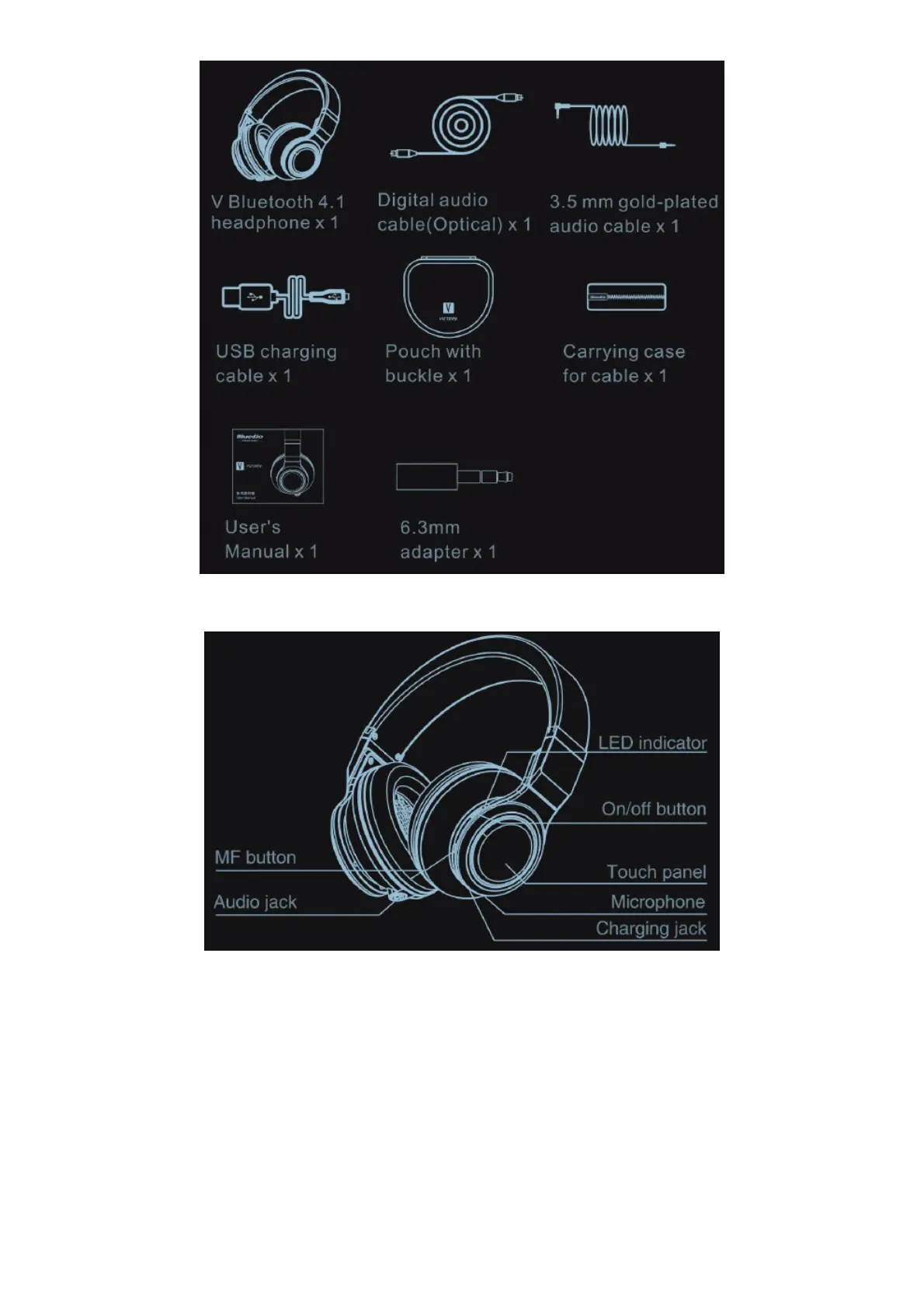
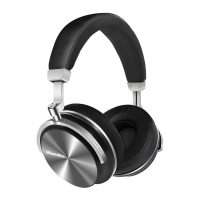
Overview of Headphones
Pairing mode
Gently push the on/off button, red and blue lights blinks alternately.
Reconnection mode
Gently push the on/off button, blue lights blinks.
Switch off
Gently push the on/off button, red light blinks.
Bluetooth pairing
1. Keep distance of the headphone and mobile phone within 1 meter. The closer, the better.
2. Activate the headphone and ensure it entered into pairing mode.
3. Activate Bluetooth of the phone(Android: Scan for devices), search “V”.
4. Select ‘1./”(some device may need to enter “0000” as passcode).



 To Next Page