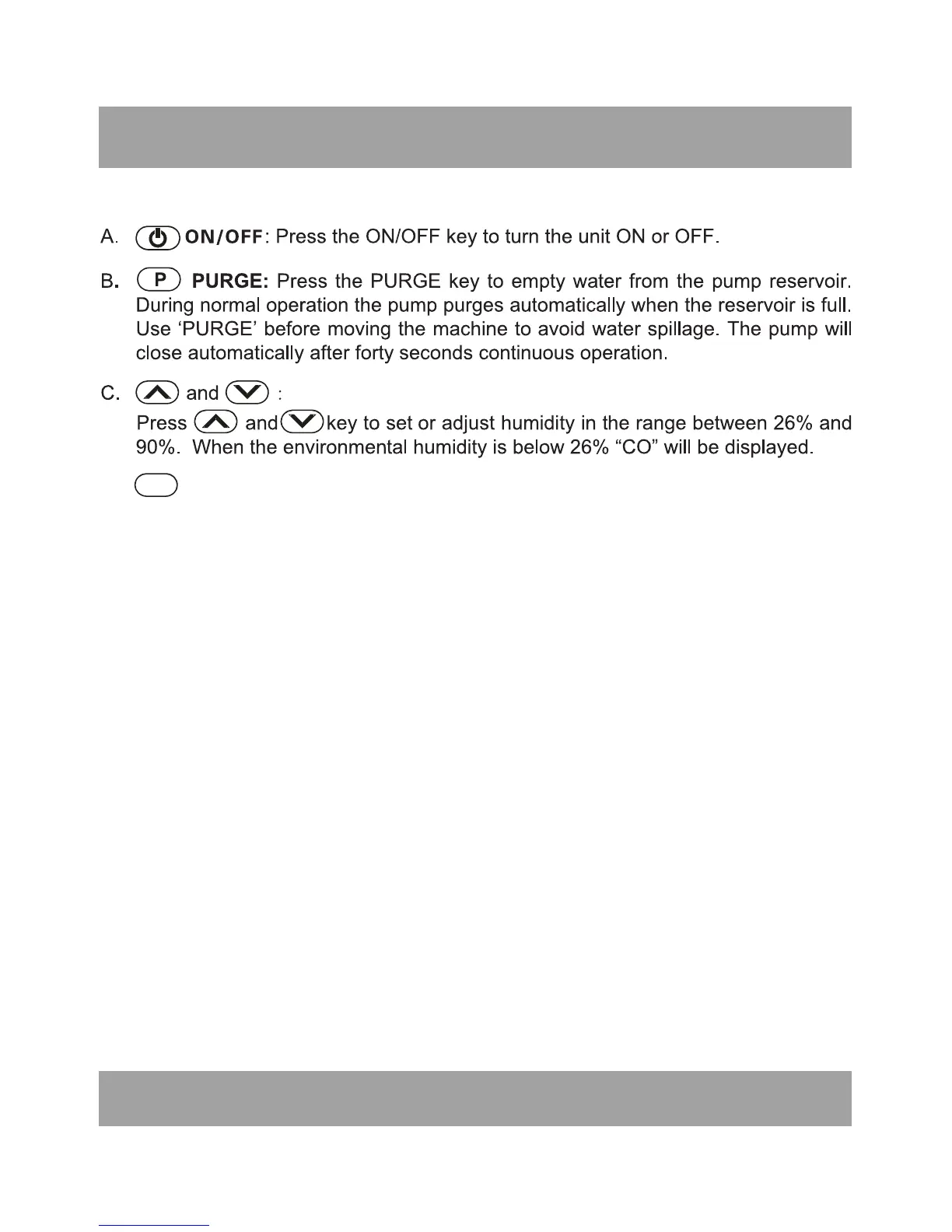
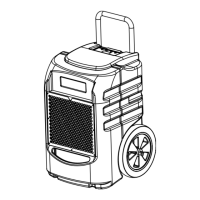
CONTROL PANEL
T TIME: Display working hours and totally working time After turning on
operation, it can display setting humidity(left) and current humidity(right), and
humidity could be changed by pressing “Up and Down”. for the current time,
and the time unit is based on minutes, for example, if it displays “0000:50”, it
means that it has worked for 50 minutes this time. If you want to view the totally
working time, please press “T” once more, and it will shows for 10s and returns
automatically to the original working hours. If you press “T” before it has lasted
for 10s, it also can turn to the original working hours.
If the unit is in power but not in operation, LED will displays nothing, and in this
condition, the working hours at the last time will be showed for 10s if “T” is
pressed one time. But within 10s, if “T” is pressed again, the totally working time
will be showed for also 10s, and within 10s, if there is no action, LED will
automatically turn down. In addition, if “T” is pressed again when LED displays
the totally working time, LED will turn down immediately. What's more, the
current working time will be deleted by pressing “T” for 5s continuously, and the
time will be recounted, but the deleted time will be added into the totally working
time.
Defrost Indicator
The unit begins to defrost when the defrost indicator lights; the unit stops
defrosting when the defrost indicator is off. When defrosting finishes, the unit
begins to dehumidify automatically again.
Note: The totally working time can not be deleted, if the time is beyond the
range of LED showing time, it will be deleted and recount from the start.
6
D.
E.


 To Next Page