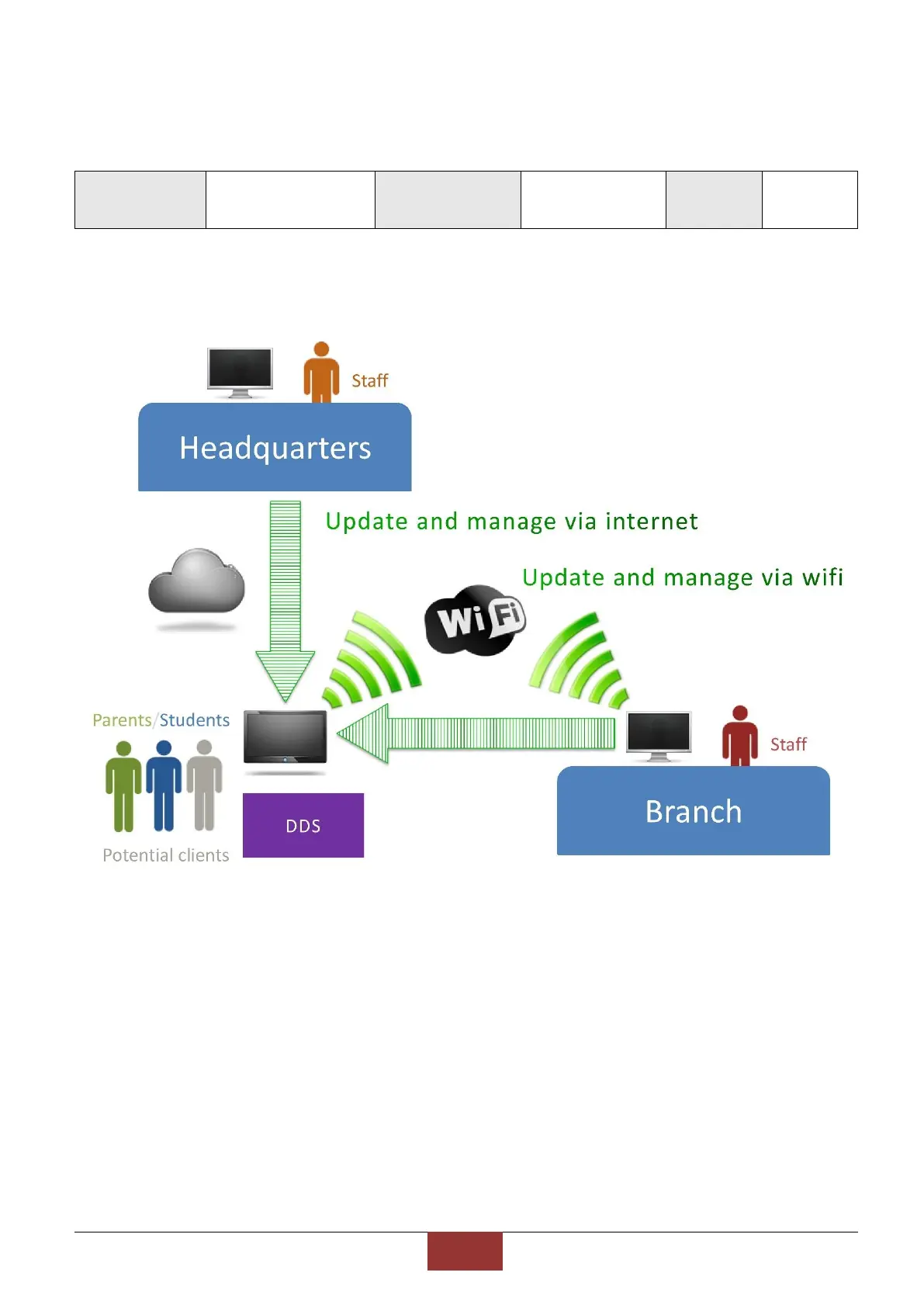
1.4 Connect to wifi
DDS can update through wifi:
Follow the steps to connect wifi:
1. DDS will automatically boot up after power on. The time to boot up is about 60
seconds.
2. Prepare a new USB (for first time to set wifi)
3. Plug USB in DDS
4. Take out of USB after 10 seconds
5. Plug USB into computer
6. Use 「notebook」 or 「Notepad++」 to open the folder under USB 【main monitor】


 To Next Page