5. Power ON / OFF
Attention:
Please place the unit on the platform firmly and stably.
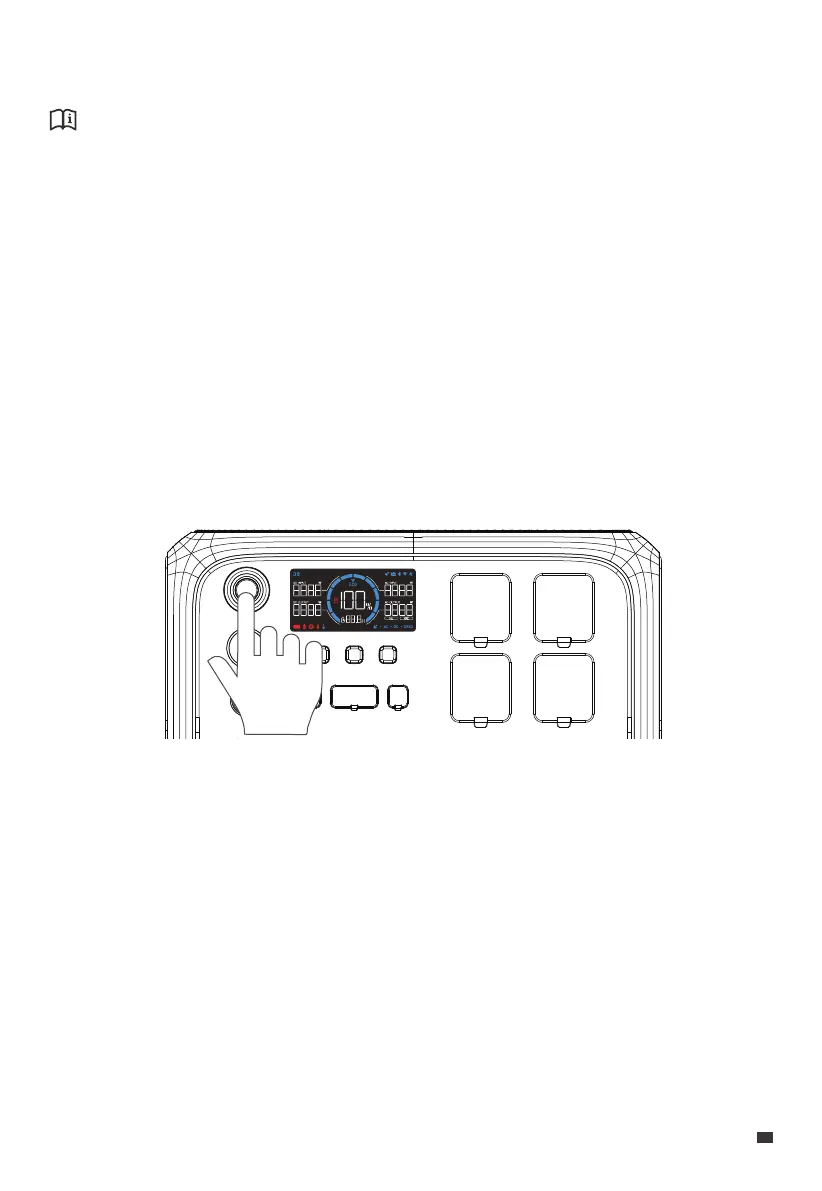
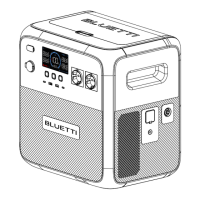
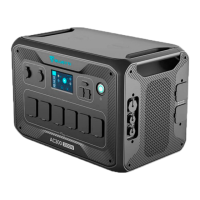
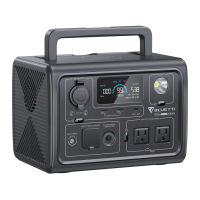
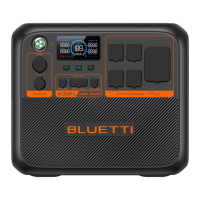
• Power ON: Press the Power Button, the button lights up indicating that the AC200P L is
now on standby.
• Power OFF: Press and hold the Power Button for about 2 seconds to turn off the unit.
• AC ON / OFF: When the AC200P L is on, press the AC Power Button to turn it on / off.
• DC ON / OFF: When the AC200P L is on, press the DC Power Button to turn it on / off.
• USB ON / OFF: When the AC200P L is on, press the USB Power Button to turn it on / off.
• Restart: Power off the AC200P L first, then press the Power Button to restart.
Note: When the AC200P L is on, you can activate the LED screen by interacting with any
of the buttons.
JUST POWER ON 13
EN


 To Next Page