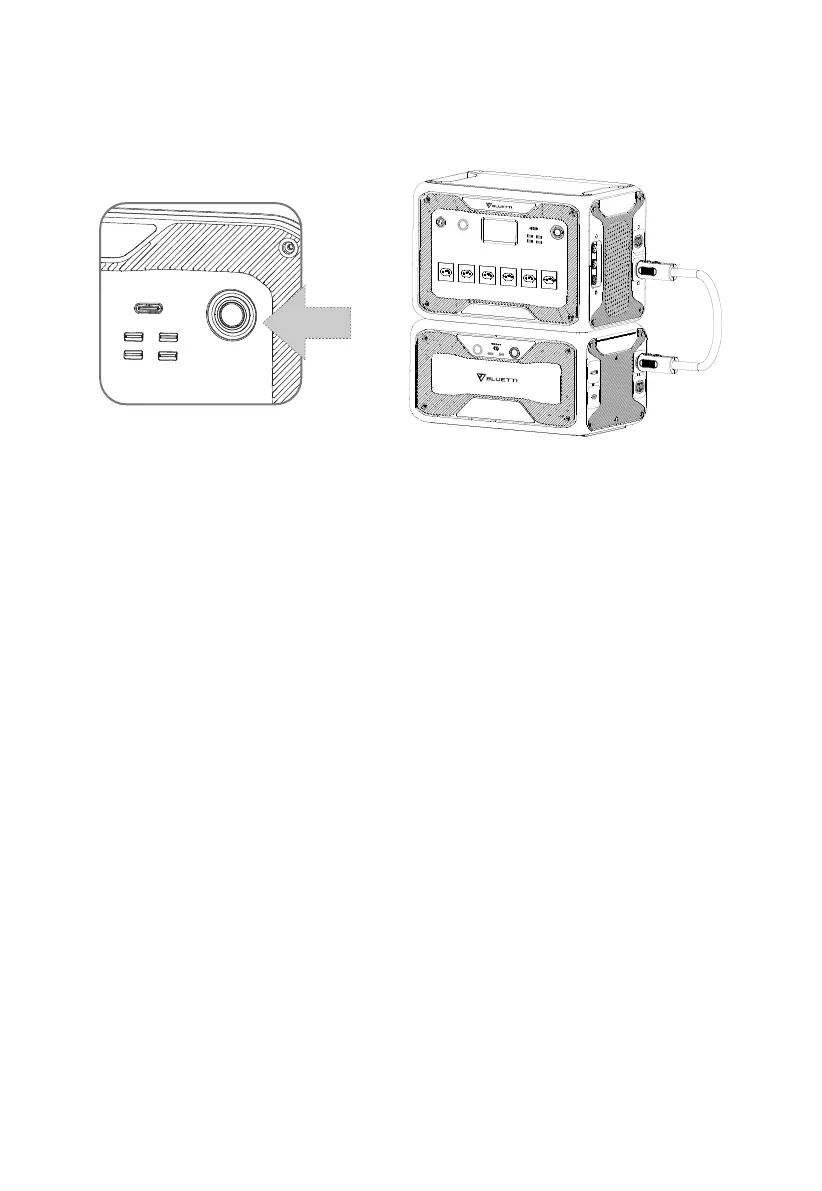
8. POWER ON & POWER OFF
Connect AC300 with B300. Please follow the steps in B300 User Manual.
Note: Please connect the AC300 and B300 with the Battery Expansion Cable.
•
Power ON: Press and hold the power button on the AC300 or B300 till the button
indicator illuminates.
•
Power OFF: Press the power button and the indicator turns off.
•
Reboot: Power off the combo and then power it on.
•
AC/DC Output: Tap the "AC ON/OFF" and "DC ON/OFF" on the screen.
•
When connected to the grid or PV, the combo turns on automatically.
•
You can also power ON/OFF of the combo by turning ON/OFF B300.
•
The combo turns off automatically upon 4 hours:
a: No Input and Output b: AC and DC output off
16
JUST POWER ON



 To Next Page