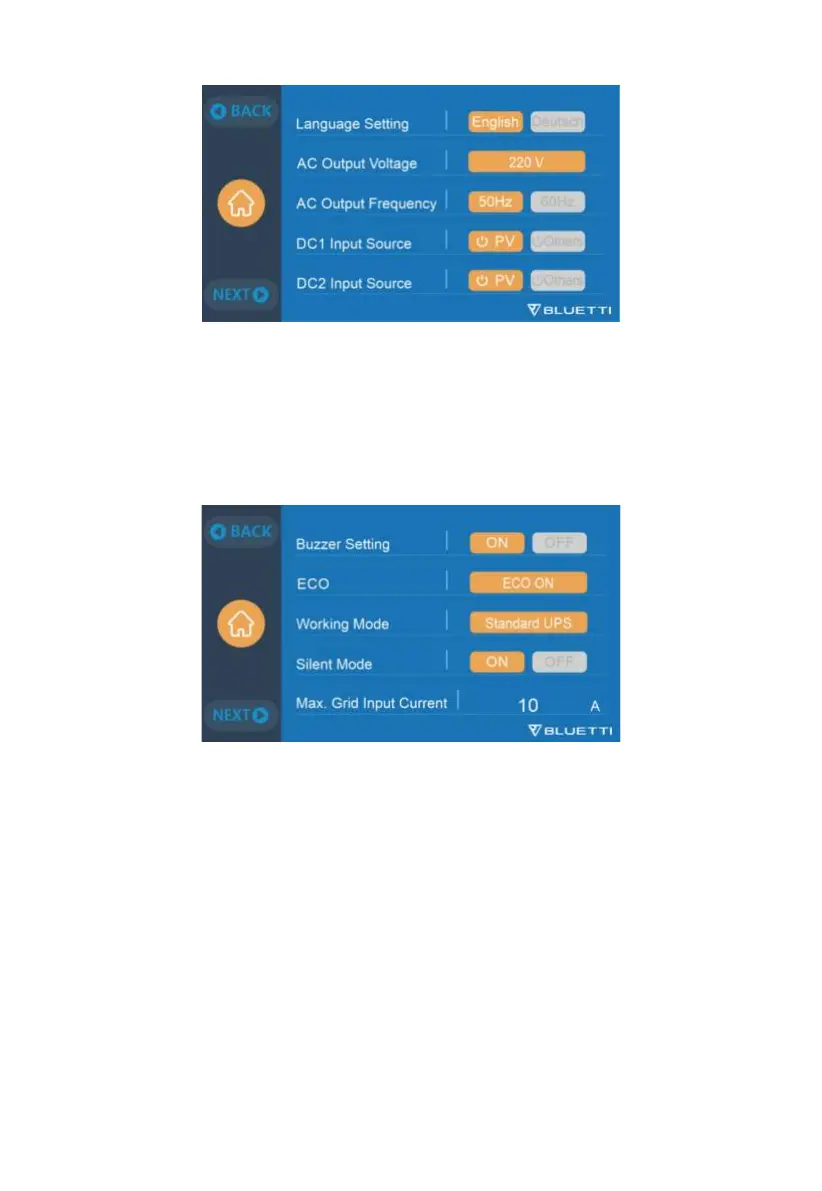
9.2.3 Language Setting & ECO Mode & Buzzer Setting
•
Tap to choose "English" or "Deutsch" to be the system language of AC300.
•
ECO mode: When in ECO mode, the AC output will automatically turn OFF after
4-hour low (≤30W) or no load to save power.
•
Buzzer Setting:Turn ON/OFF the alarm sound.
9.2.4 Working Mode
Tip: The AC300+B300 is set to Standard UPS Mode by default.
AC300 has 4 UPS modes: Standard, Time Control, PV Priority and Customized UPS.
BLUETTI's UPS mode guide is as follows:
•
The standard UPS mode is good for regions with unstable grid power supply.
•
The Time Control UPS mode will save your electricity bills by setting the charging
and discharging time.
19 JUST POWER ON



 To Next Page