05
Just Power On
Optional
Output
Cable
USB-C to USB-C Cable
Support 20V/5A, 100W power of output, ts most
appliances in the market with USB-C port.
Cigarette Lighter Port - 5521 Cable
Suit for 12V devices with 5521 input port such as router,
camera and etc.
6.LET`S GET STARTED
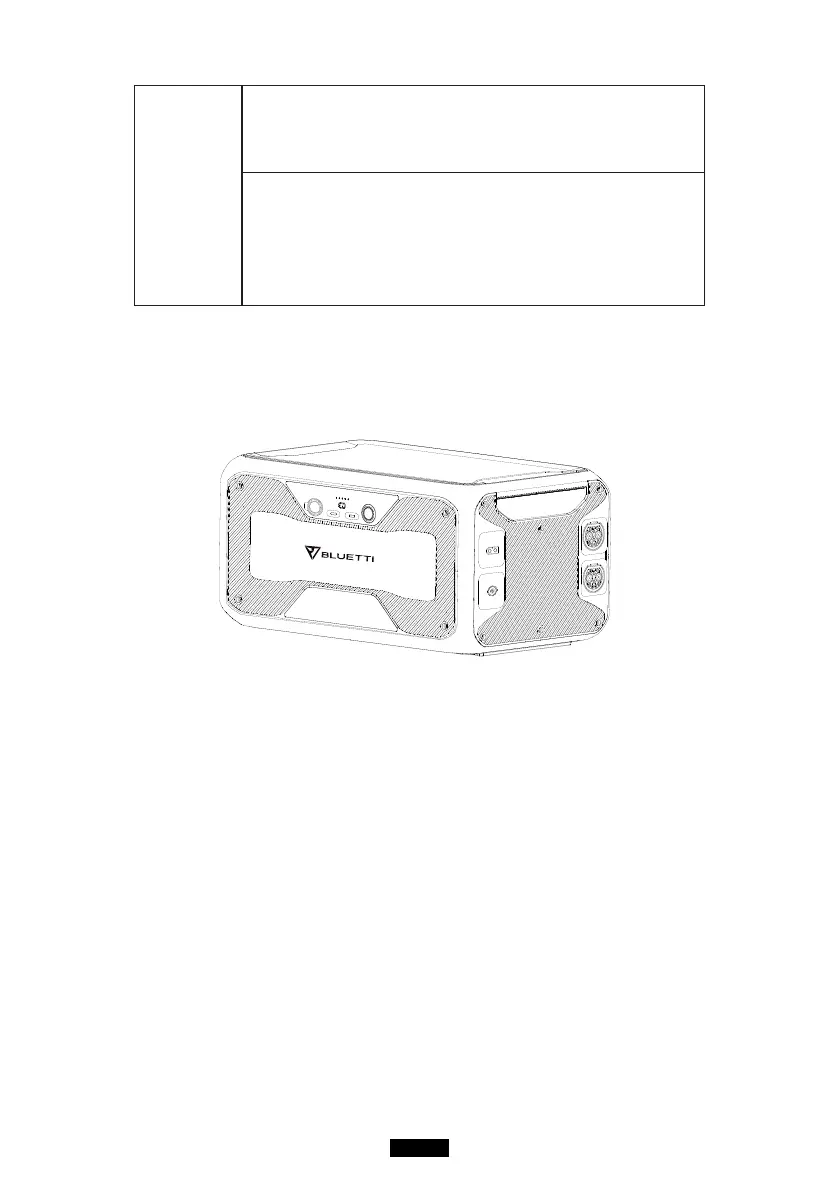
● Turn on the main power switch located on the back of B300.
● Power On: Short press of the power button. The power button indicator will
illuminate.
● Power O: Long press of the power button for 2 seconds. The power button
indicator light will turn o.
● The B300 will turn on automatically from Power O status when either grid
charging and/or PV charging voltage is applied to the unit.



 To Next Page