Notice:
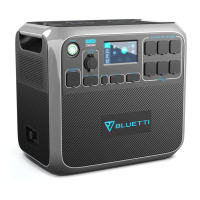
• When connecting to power stations like the AC200L, the D40 automatically turns on if the
power is on and the DC output is enabled. To avoid this, turn off the AC200L's DC output.
• When charging using BLUETTI portable power stations, you can monitor the charging
progress by reviewing the output status shown on the power station's screen.
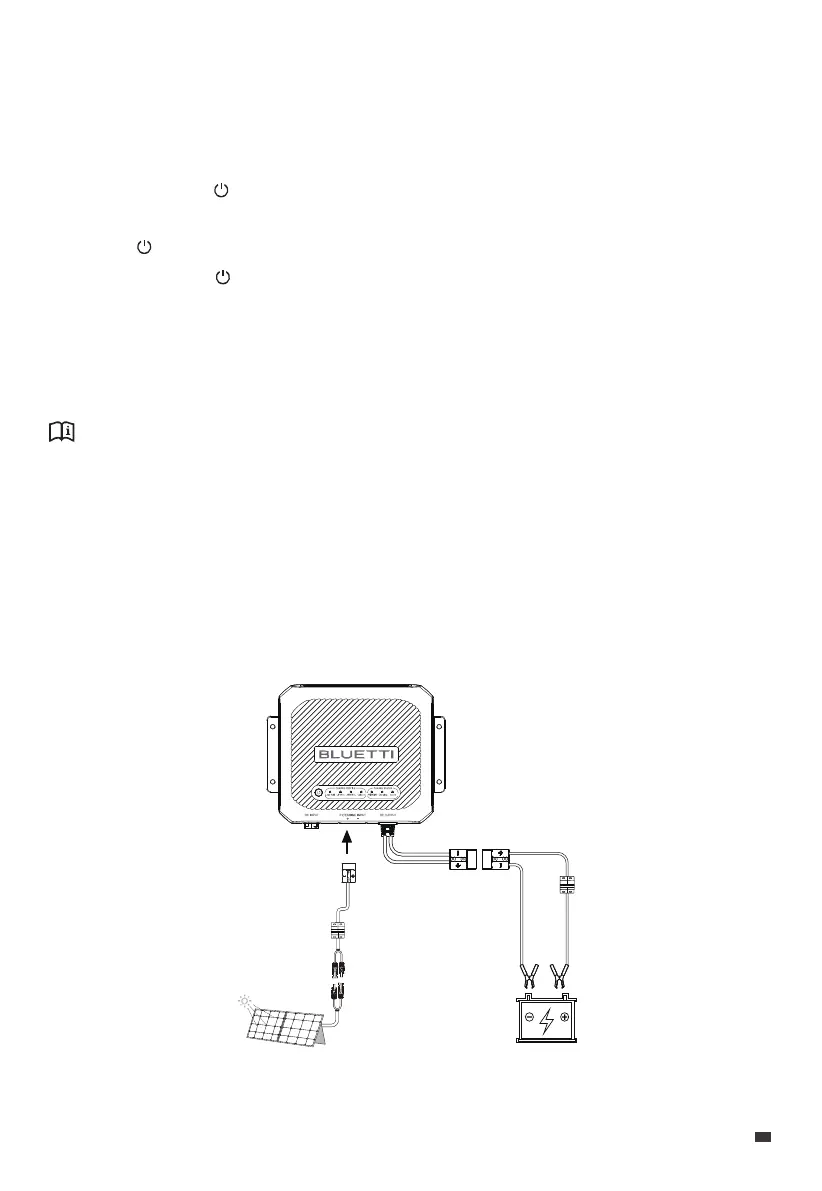
6.2.2 Charge via Solar Panels
With abundant sunlight, you can utilize high-performance solar panels to charge the
house battery.
Wiring & Operations
1. Connect the AC200L and D40 via the DC Input Power Cable.
2. Turn on the AC200L and activate the DC output; this will automatically activate the D40.
3. Select the battery type for charging:
a. Press and hold ( ) for more than 3 seconds, and when the CHARGE PROFILE
indicator flashes, you can select the battery type.
b. Press ( ) to navigate and select the battery type; the corresponding indicator will flash.
c. Press and hold ( ) for more than 3 seconds until the flashing indicator becomes
steady.
4. Connect the D40's DC output to the battery using the Anderson connector, and make
sure to match the positive and negative terminals. The Charging indicator will remain lit
if the charging is successful.
Fuse / Breaker
(Optional)
12V House Battery
Fuse / Breaker
(Optional)
Solar Panel (MPPT)
JUST POWER ON 13
EN


 To Next Page