Page 02
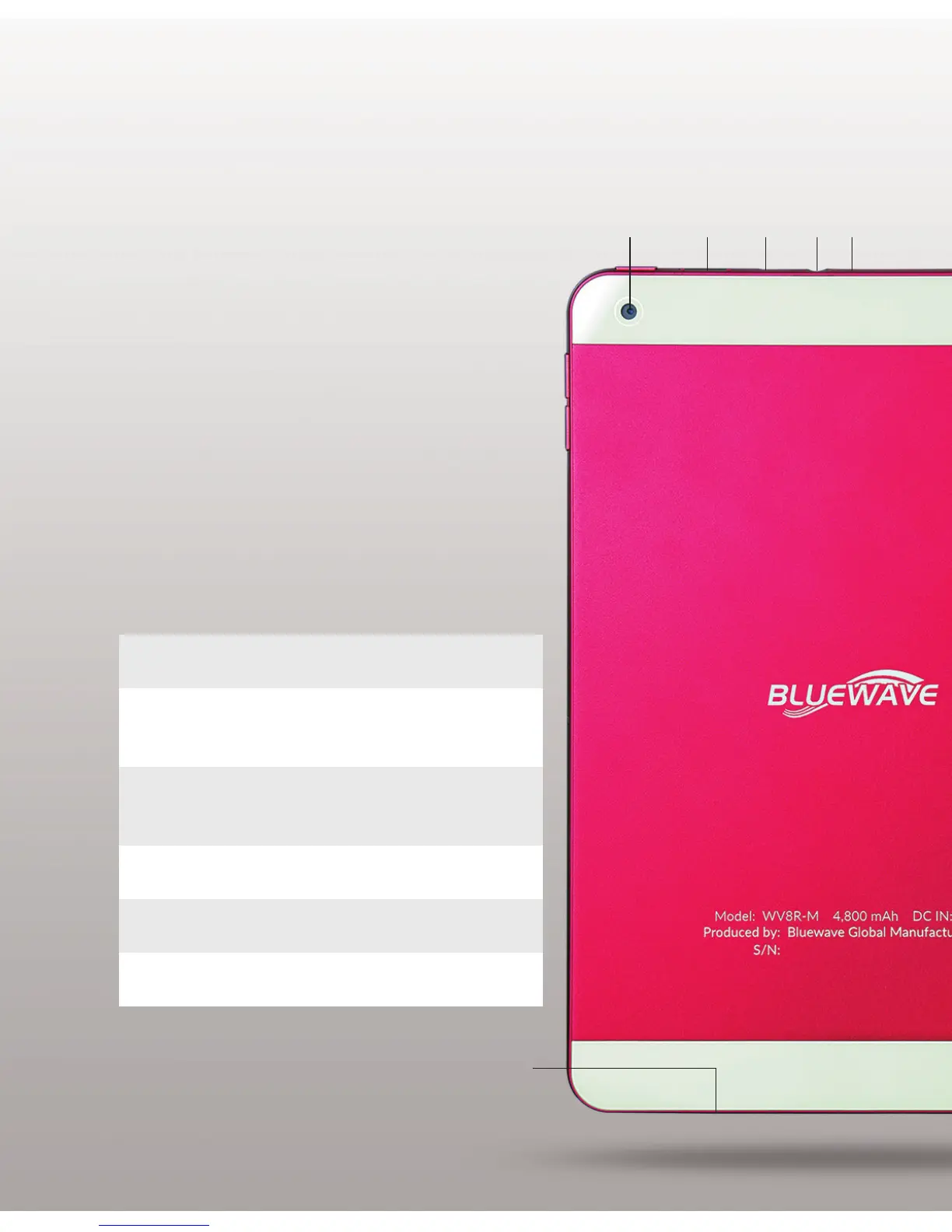
Back View
5 6
10
7 8 9
5. Rear Camera Take photos and
record videos.
7. Micro USB Connect USB cable to
Port charge the tablet or
transferlestoPC.
8. Earphone Jack Connect 3.5mm earphone
as audio accessory.
6. MicroSD Expand your tablet’s
Card Slot memory storage with
microSD card.
9. Mic Hole Receive sound.
10. Speakers Transmit sound.


 To Next Page