77
EN
Sensitivity adjustment
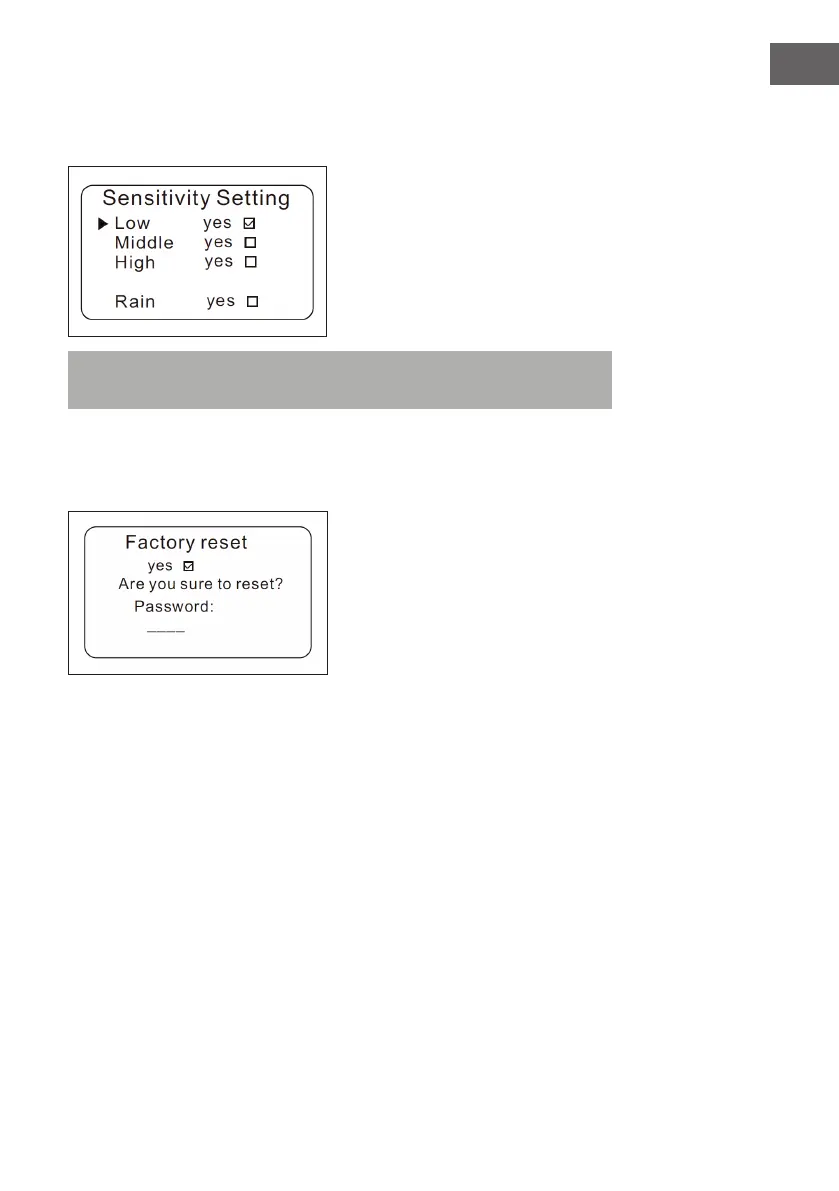
Press Home screen > System setting > Sensitivity setting.
Note: „Rain“ means that you select whether or not to open the rain sensor.
The rain sensor can be activated or deactivated in this setting.
Reset to factory setting
Press Home screen > System setting > Factory reset.
1 When you press the OK button, the following screen opens.
2 Enter the password.
3 Tick „Yes“.
4 The device is now reset to the factory setting.

 To Next Page
 Loading...