Need help?
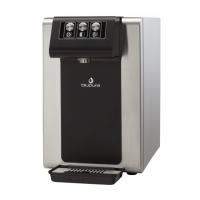
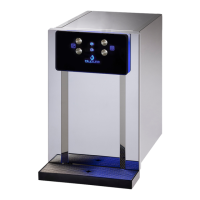
Do you have a question about the blupura WAVE I.T. and is the answer not in the manual?
Explains the layout, buttons, and LED indicators for specific models.
Describes the functions of the sparkling, room-temp, and cold water buttons.
Explains how to program specific water volumes for each button.
Step-by-step instructions for safely removing the water cooler from its packaging.
Guidelines for proper unit placement, ventilation, and filling the ice bank.
Details required water pressure, flow rate, and connection methods.
Instructions for power connection, startup, and thermostat adjustment.
Guidance for installing the CO2 cylinder and adjusting carbonation levels.
Emphasizes safe handling practices for gas cylinders, including lifting and avoiding damage.
 General
| Brand | blupura |
|---|---|
| Model | WAVE I.T. |
| Category | Water Dispenser |
| Language | English |


 To Next Page